

Preventing customers from editing subscription items in Customer Portal
Updated 2 months ago
In Cleverific, you can control whether customers are allowed to edit products that are part of a subscription. This setting helps you prevent unwanted changes that could affect recurring orders or subscription discounts. It is disabled by default.
How it works
The Allow editing subscription items setting determines if customers can make changes to subscription products in Customer Portal.
When enabled, customers can edit subscription products as usual.
When disabled, customers can't edit subscription products in any way.
The subscription products will appear uneditable in Customer Portal.
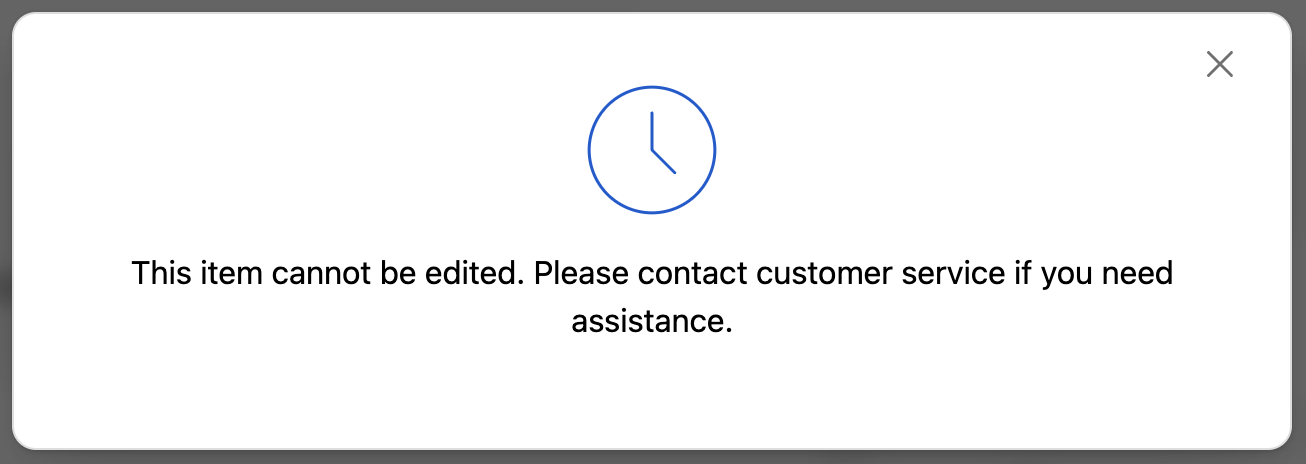
Note: Currently, this setting only controls whether subscription items can be edited. It does not handle keeping or removing the subscription status or its attached discount after edits.
Allowing customers to edit subscription items
From your Shopify Admin, navigate to Apps > Cleverific > Customer Portal settings.
Scroll down to the Decide what changes customers can make section.
Select the checkbox next to Allow editing subscription items
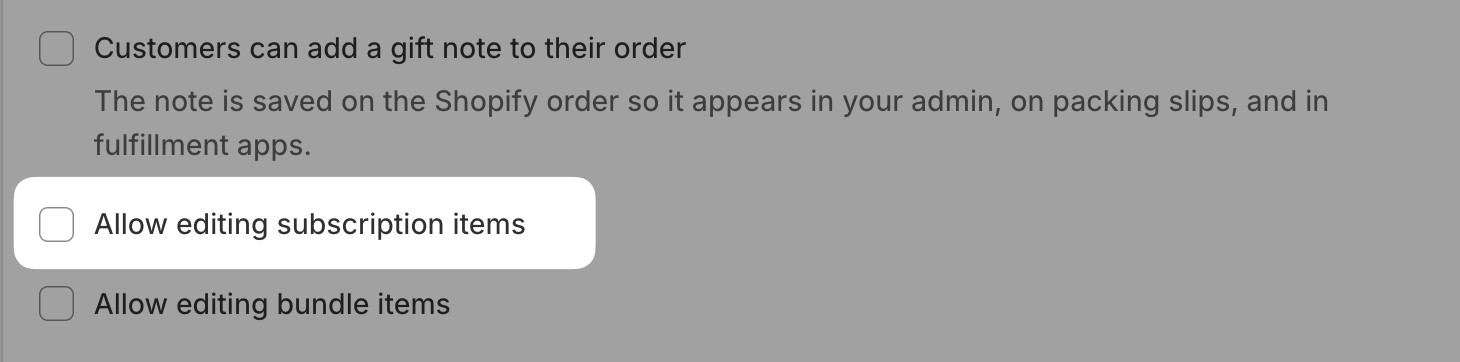
Your changes will be saved automatically.