

Adding or removing the edited order suffix (#1000A)
Updated 2 weeks ago
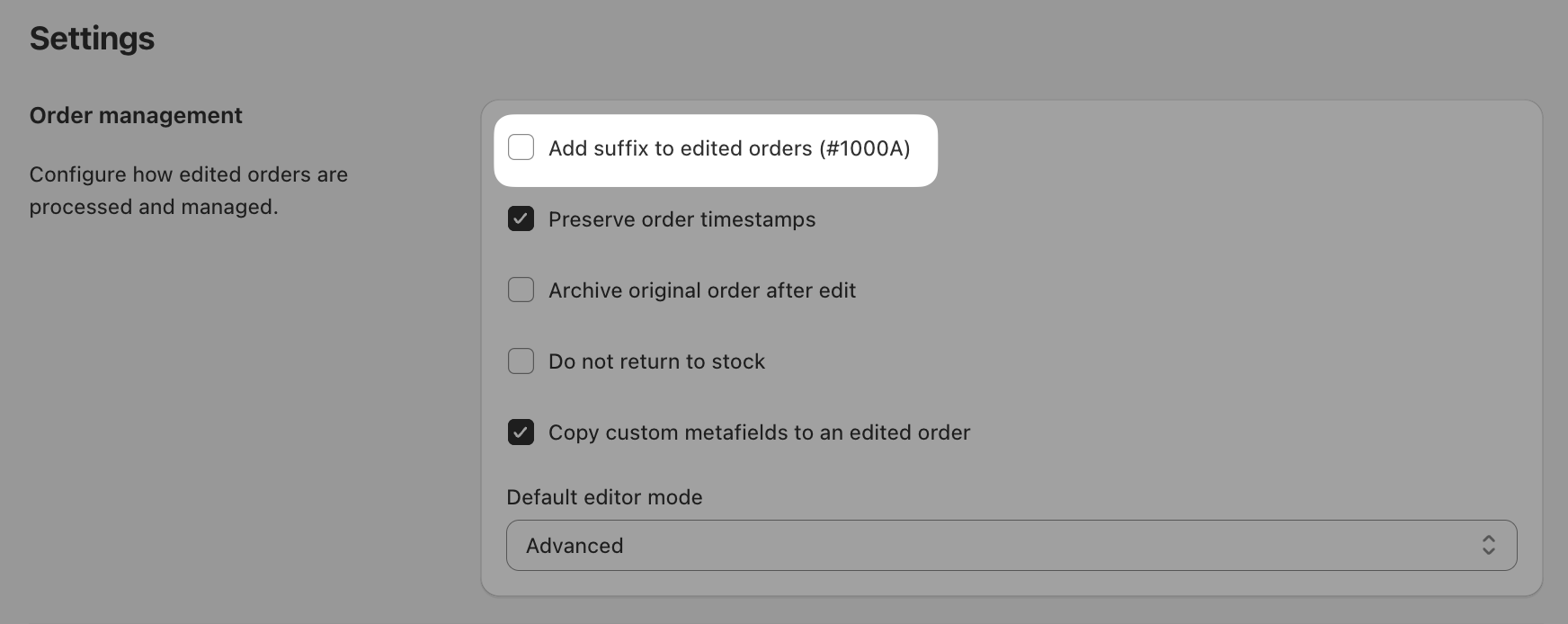
Add suffix to edited orders (#1000A) is a default setting that helps add clarity to the editing workflow used by Cleverific backend order editing.
Disable suffixing through Advanced Settings
If you’d prefer that edited orders appear in your admin labeled with the next available order number instead of a suffixed version of the original order, you can disable this setting in Cleverific's Advanced Settings.
Steps
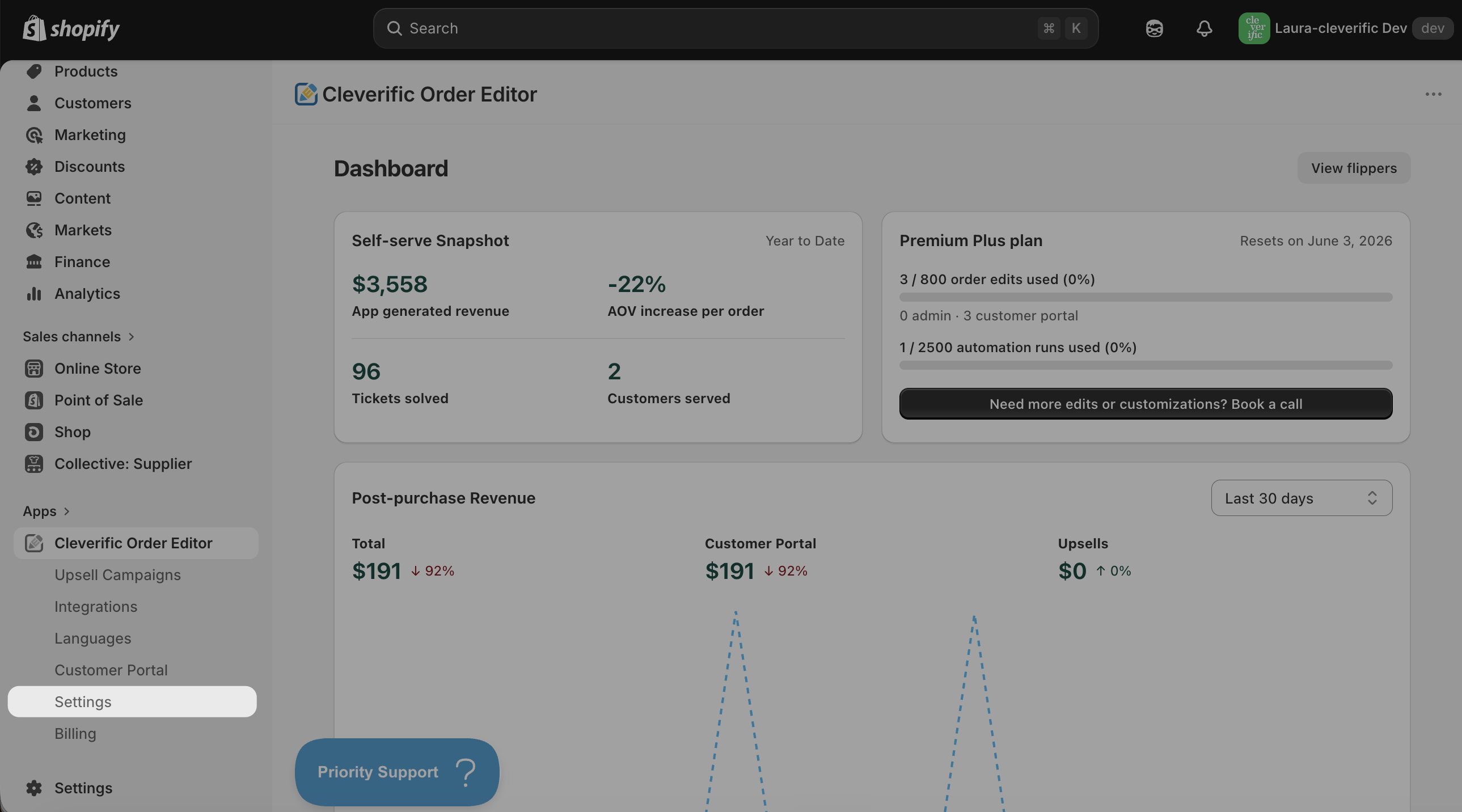
Navigate to Apps > Cleverific Order Editor.
In the nav menu, click Settings.
Uncheck the box next to the setting Add suffix to edited orders (#1000A).
Click Save in the top bar to confirm your changes.
Got questions? Drop us a line at: [email protected]
Was this helpful?
Was this helpful?