

Archiving original order after edit setting
Updated 2 weeks ago
Archive original order after edit is a setting that tells Cleverific to automatically archive the original order for you after your edit is complete. This can help remove the order from certain views so you have a clean order list.
Access Archive original order after edit settings
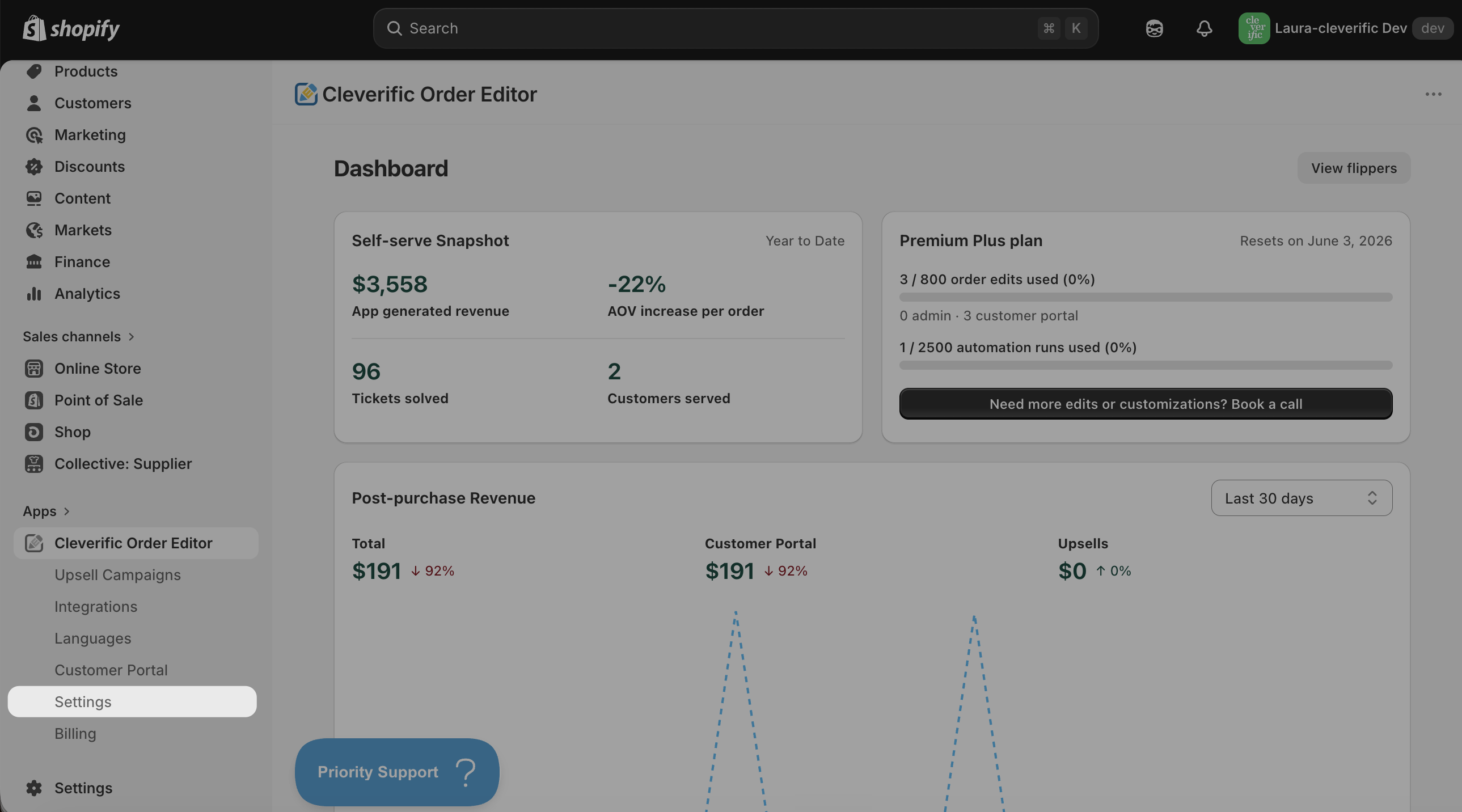
Navigate to Apps > Cleverific Order Editor.
In the nav menu, click Settings.
Check the box next to Archive original order after edit and click Save in the top bar.
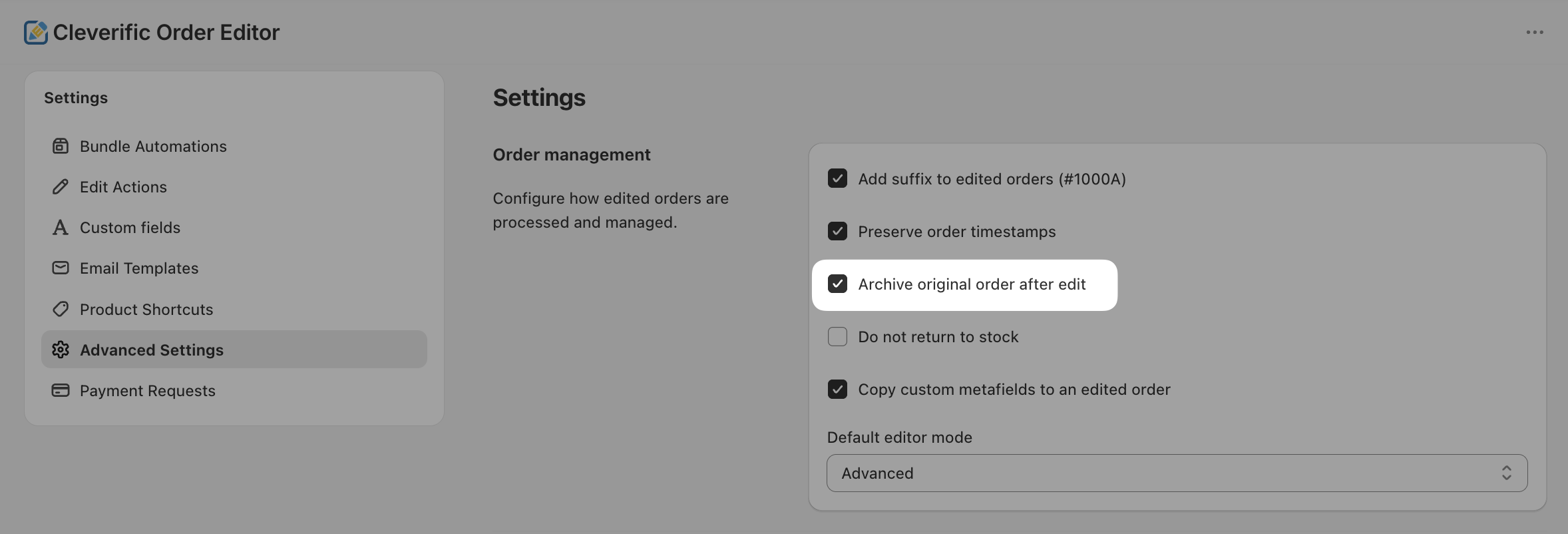
Note: Archive original order after edit setting is disabled by default in Cleverific's Advanced settings.
Was this helpful?
Was this helpful?