

Cleverific's Advanced Settings overview (backend order editing)
Updated 2 weeks ago
Advanced Settings are accessible directly from any order editor in Cleverific and apply to backend order editing.
Access your Advanced Settings
Navigate to Apps > Cleverific Order Editor.
In the nav menu, click Settings.
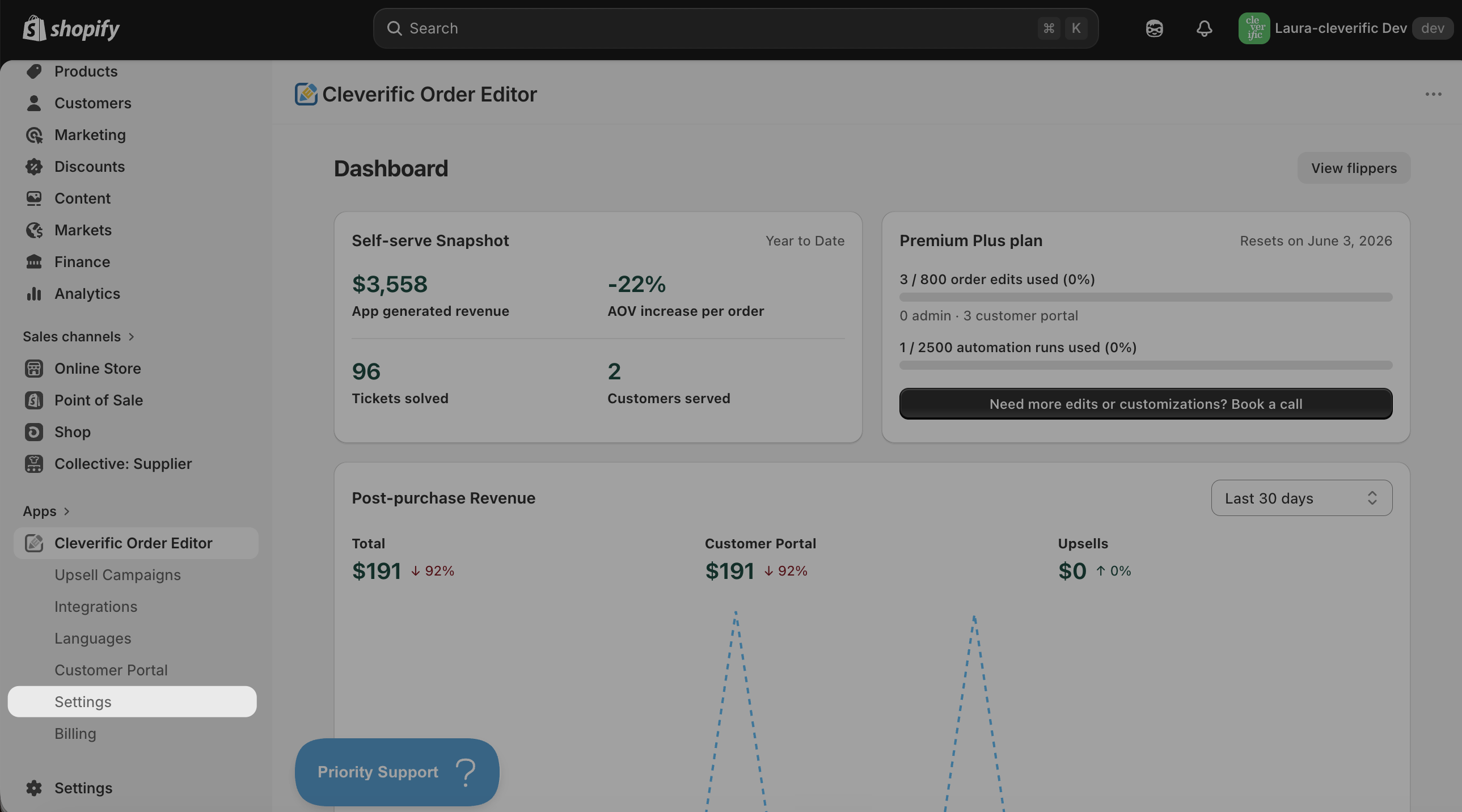
After making your changes, click Save in the top bar.
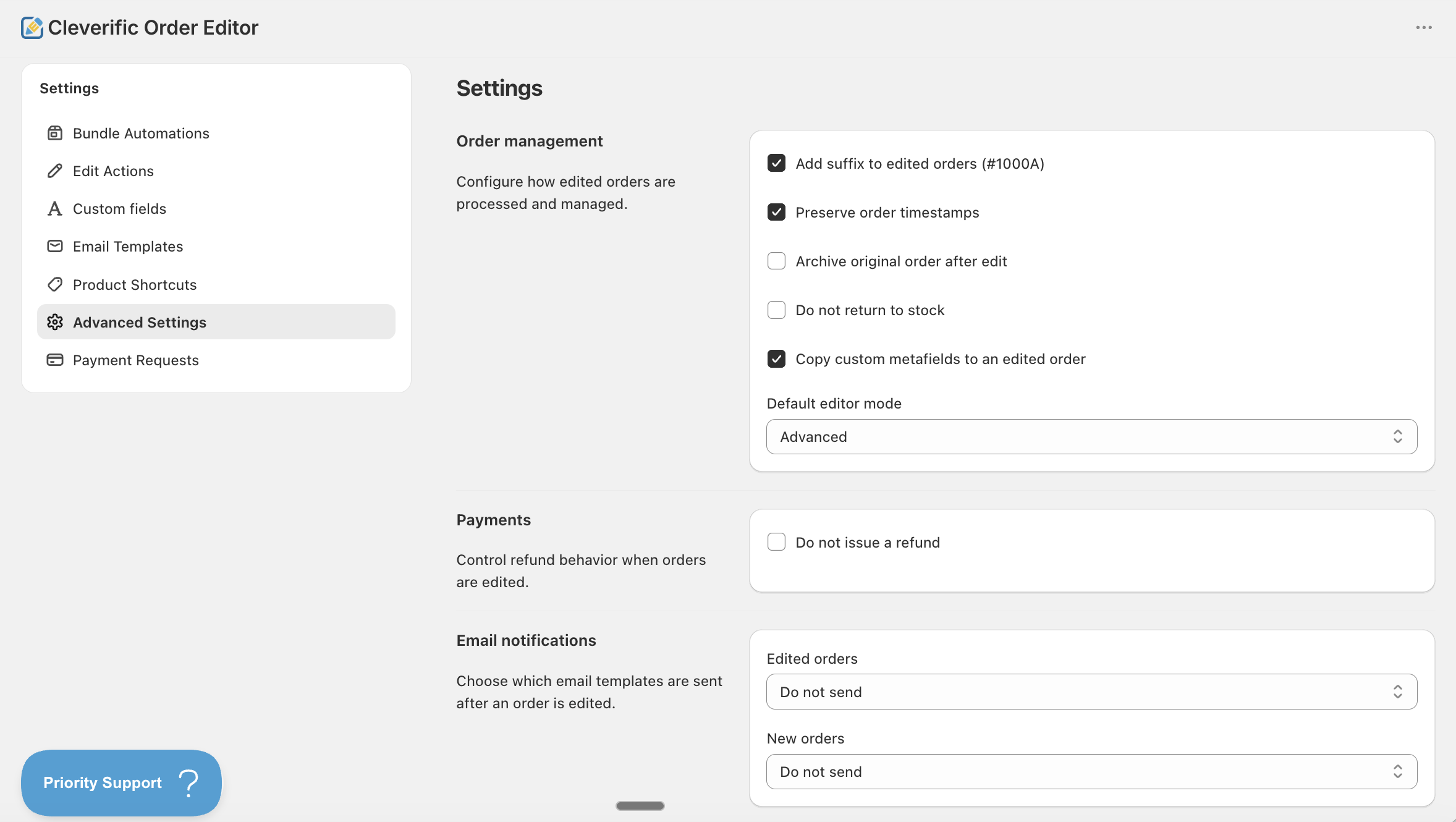
Note: Advanced Settings are available from all Cleverific editors, including Advanced Mode, Quick Mode, New Order, and Draft Order.
For information on individual settings, please refer to the articles linked below:
Order Management:
Payments:
Email Notifications:
Got questions? Drop us a line at: [email protected]
Was this helpful?
Was this helpful?