

Creating a bundle workflow in Shopify Flow
Updated 2 months ago
After creating your bundle in Cleverific, you need to set up a bundle workflow in Shopify Flow to automate your bundle expansion. This article will show you how to do this.
Create a bundle workflow in Flow
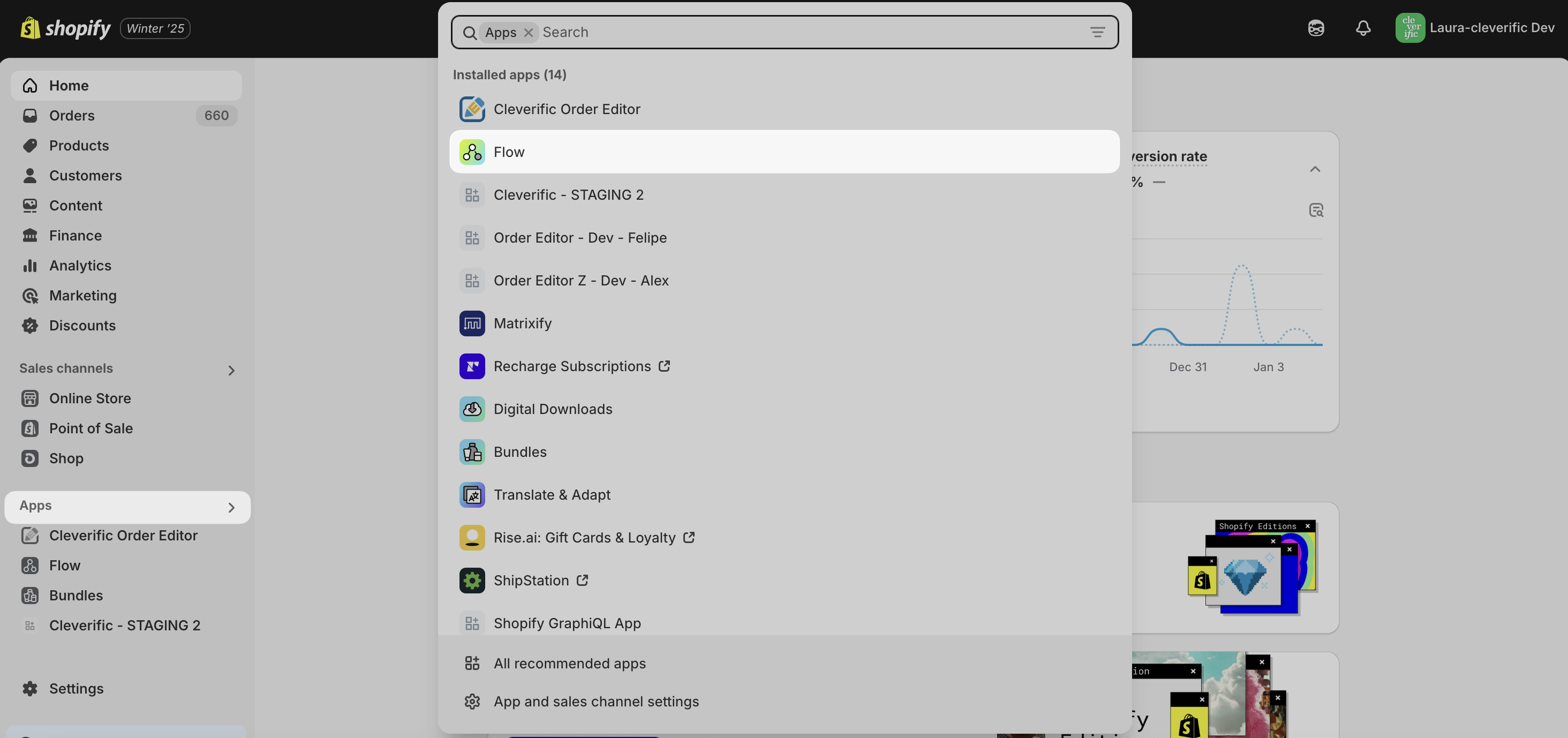
In your Shopify Admin, go to Apps > Flow.
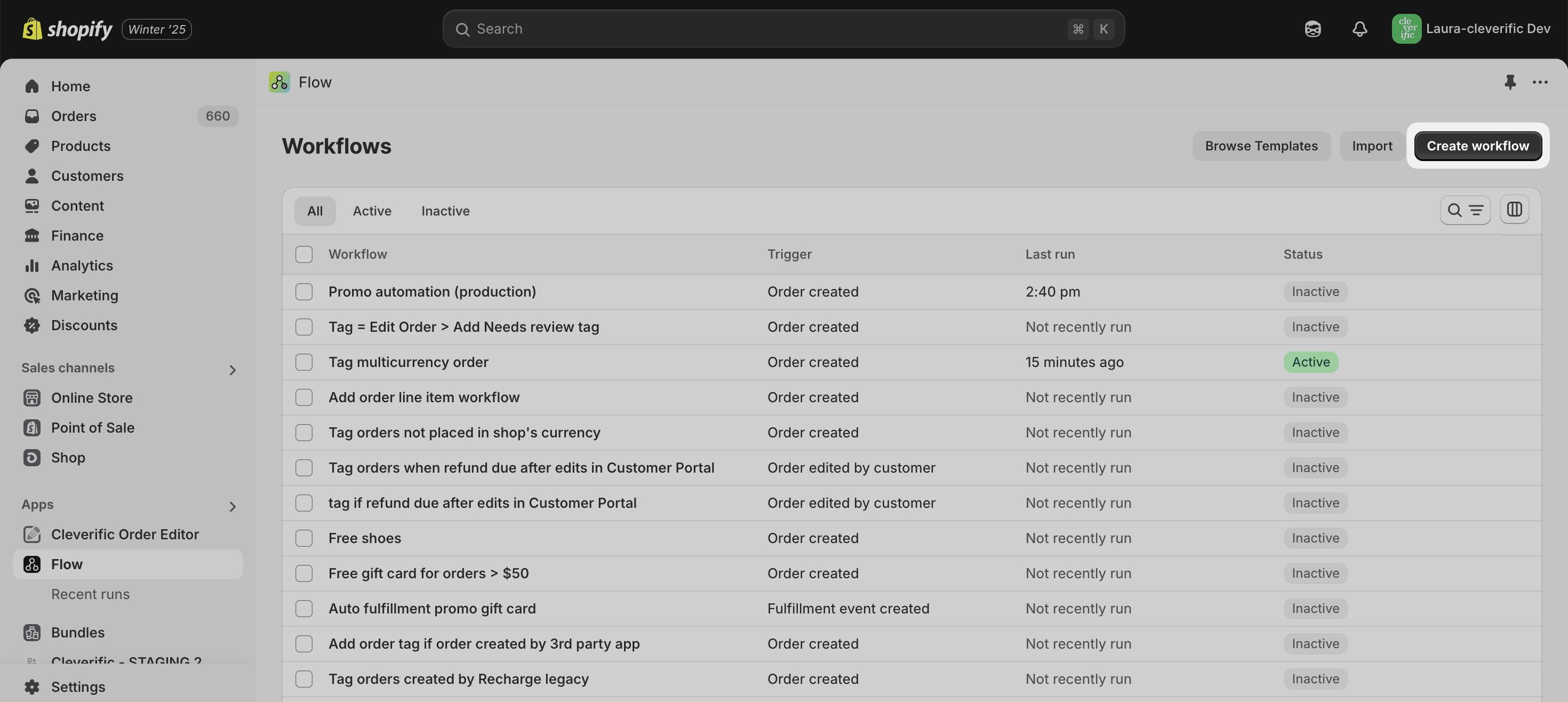
Click Create Workflow.
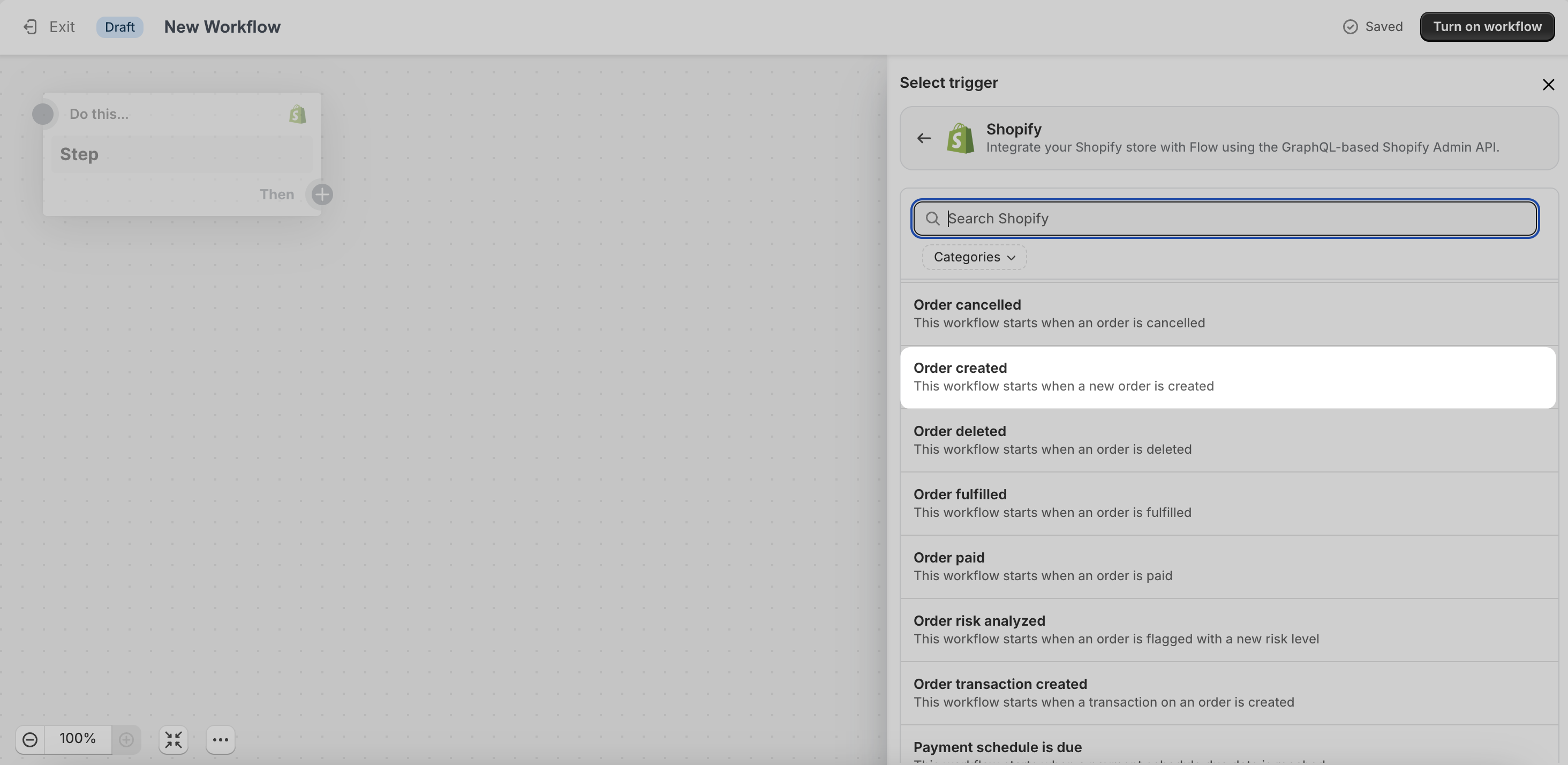
Click Select a trigger, then choose a trigger from the list for your automation. In this example, we selected Shopify > Order Created.
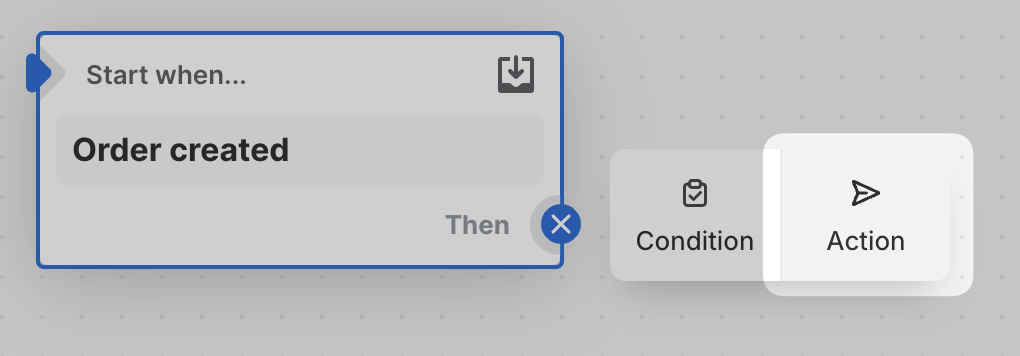
Click the + button, then select Action.
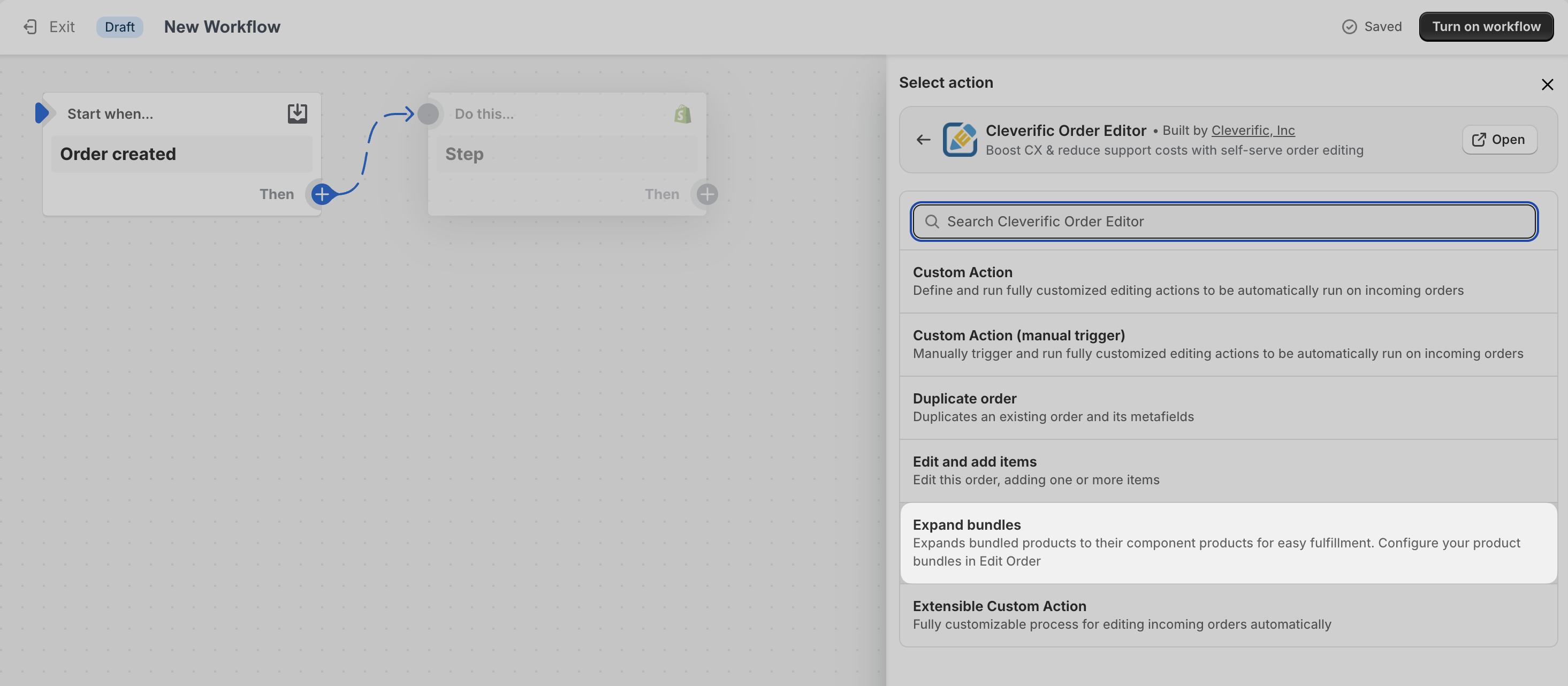
In the Select action menu, click Cleverific Order Editor then select Expand bundles.
Paste {{order.id}} in the Order ID field.
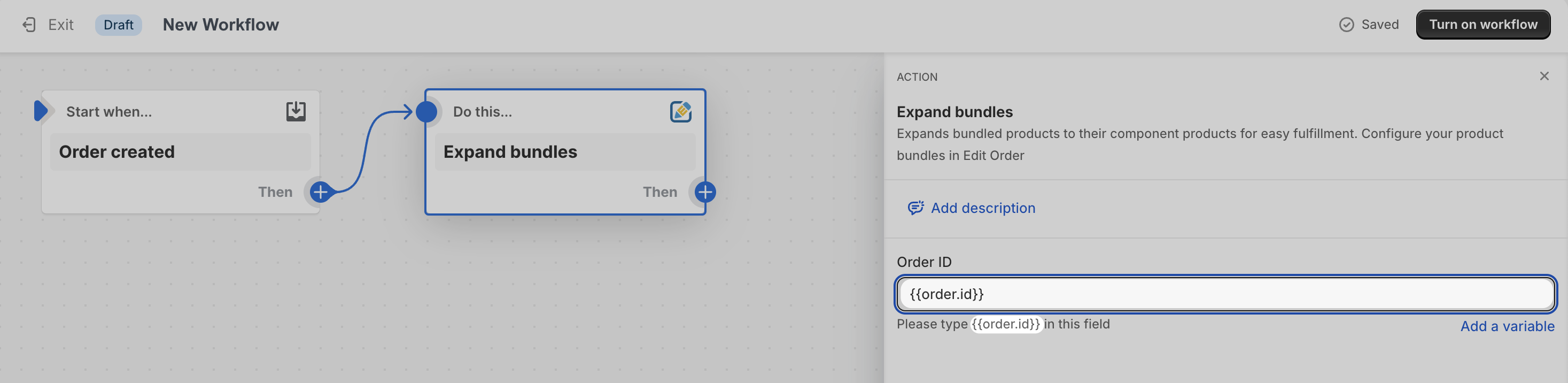
Name your workflow and click Turn on workflow to save your automation 🎉
You now have a workflow that automatically expands your bundle into the SKUs you need for fulfillment when your customer places an order.
Have questions or need help setting up a different workflow? Drop us a line at: [email protected].