

Adding an order note when an automatic refund is issued
Updated 2 months ago
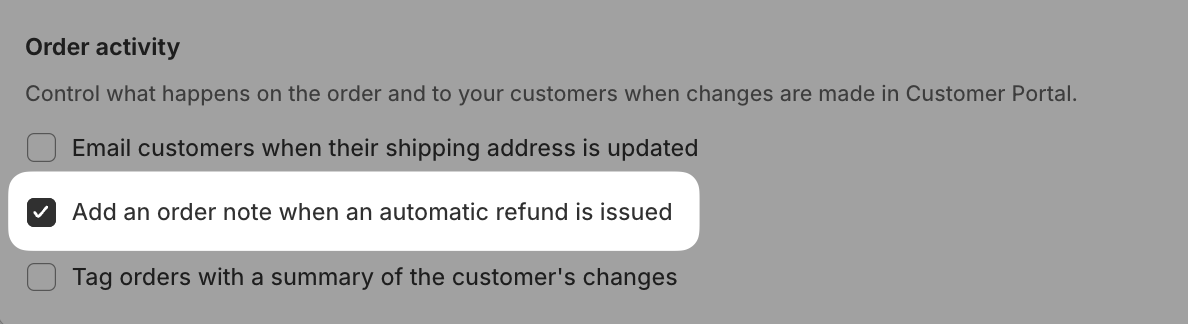
In Cleverific, you can automatically add an order note whenever Customer Portal issues an automatic refund for a cancelled order. This gives you a record on the order itself, without checking Shopify's transaction history.
Enable the automatic refund order note
Go to Apps > Cleverific.
From the nav menu, click Customer Portal.
Under Communication > Order activity, enable Add an order note when an automatic refund is issued.
Click Save in the top bar.
This only adds a note for refunds issued when a customer cancels their order, and requires Automatically process refunds on cancelled orders to also be on. It doesn't add a note for automatic refunds triggered by an edit that reduces the order total.
Was this helpful?
Was this helpful?