

Automatically cancelling orders when all items are removed in Customer Portal
Updated 2 months ago
In Cleverific, you can automatically cancel an order when a customer removes every item from it in Customer Portal. This setting is off by default.
Enable auto-cancellation
Go to Apps > Cleverific.
From the nav menu, click Customer Portal.
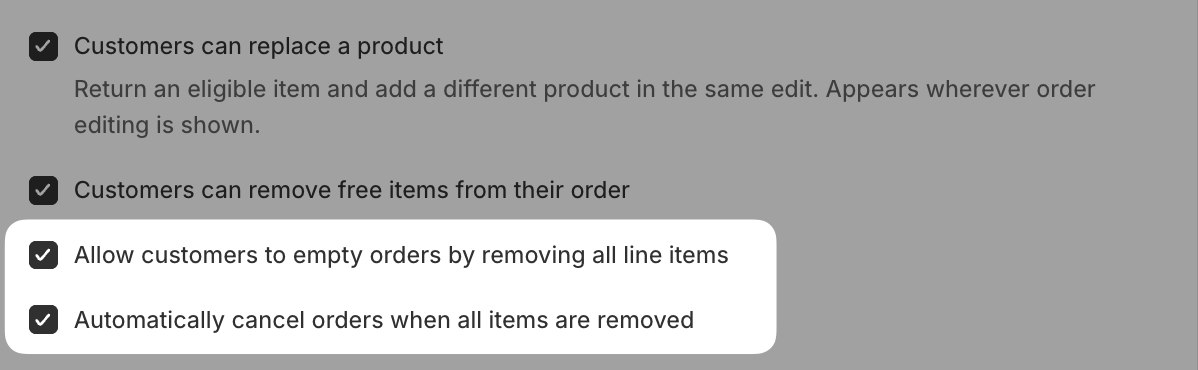
Under Allowed changes, make sure Allow customers to empty orders by removing all line items is enabled.
Enable Automatically cancel orders when all items are removed.
Click Save in the top bar.
How this works
This cancellation always issues a refund and restocks inventory, regardless of your Automatically process refunds on cancelled orders and Restock inventory when items are removed or orders are cancelled settings.
The customer won't receive a cancellation email, and Shopify will record a staff note: "Order cancelled — all items removed via customer portal."