

Error D1001 in Cleverific
Updated 2 months ago
This article will explain how to resolve a D1001 error when saving your edits in Cleverific.
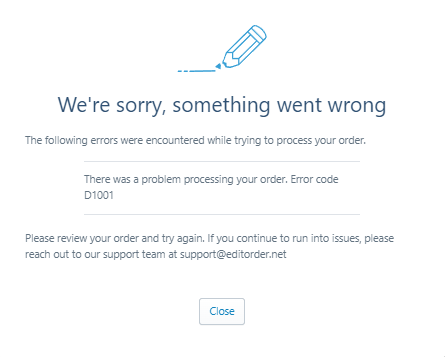
Error D1001
This error can happen when trying to save a draft order or an order in Cleverific where one of the products in the order no longer exists in the product catalog.
Steps
Verify in your Shopify product list if any of the products in your order or draft order were recently edited or deleted.
If so, remove this product from your order in Cleverific and re-add the newly edited product.
Click Save.
If you still encounter an error after performing these steps, please feel free to contact [email protected]
Was this helpful?
Was this helpful?