

Allowing customers to remove free items from their order in Customer Portal
Updated 2 months ago
In Cleverific, you can allow customers to remove free items, items with a price of zero, from their order in Customer Portal. This setting is disabled by default.
Enable free item removal
Go to Apps > Cleverific.
From the nav menu, click Customer Portal.
Under Allowed changes, make sure Customers can remove items from their order is enabled.
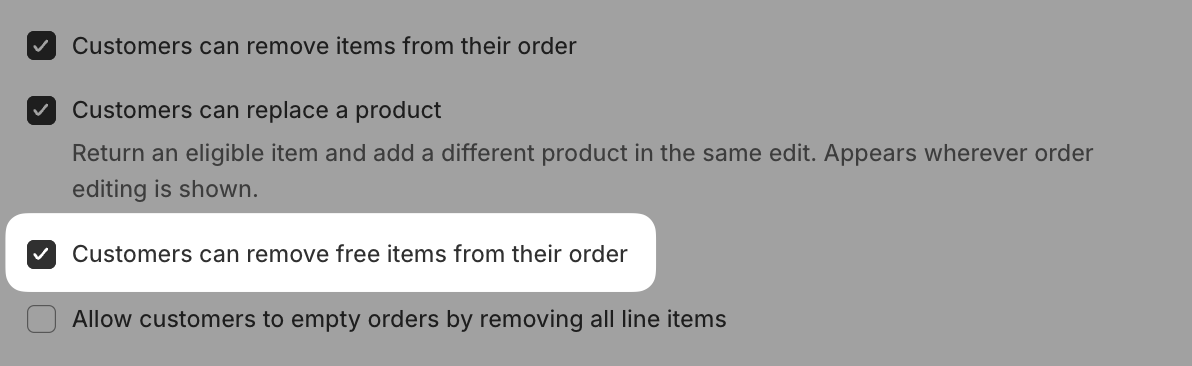
Enable Customers can remove free items from their order.
Click Save in the top bar.
This setting has no effect unless Customers can remove items from their order is also enabled. Free item removal is an exception on top of that setting, not a replacement for it.
How this works
An item counts as free when its discounted price is zero, either because it was placed at $0 or because a discount brought it down to zero, for example a buy-X-get-Y free gift.
Free items can be removed, but their quantity can never be increased or decreased, even when quantity editing is otherwise enabled.
If a free item is the only item left on the order, removing it requires Allow customers to empty orders by removing all line items to also be enabled.