

Preventing customers from changing product variants in Customer Portal
Updated 2 months ago
In your Customer Portal settings, you can decide whether or not to allow your customers to change product variants. The default setting is to allow your customers to change the variant of their products, but you can change this anytime.
Disable variant change
Steps
Go to Apps > Cleverific Order Editor.
In the nav menu, click Customer Portal.
Navigate to the Customize order editing section.
Under Allowed changes, uncheck the box next to Customers can change item variant (size, color, etc).
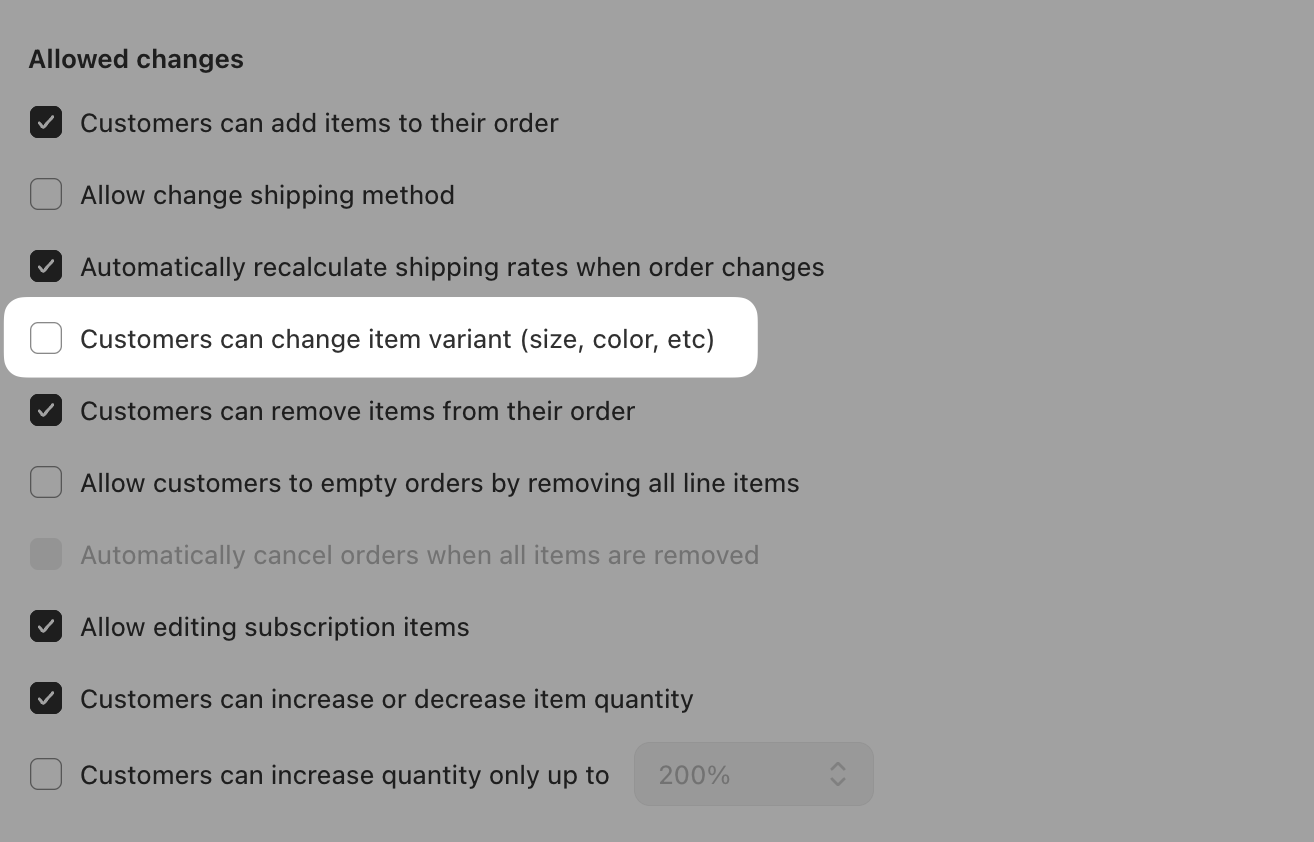
Click Save in the top bar.
Was this helpful?
Was this helpful?