

Only showing in-stock products when customers add items
Updated 2 months ago
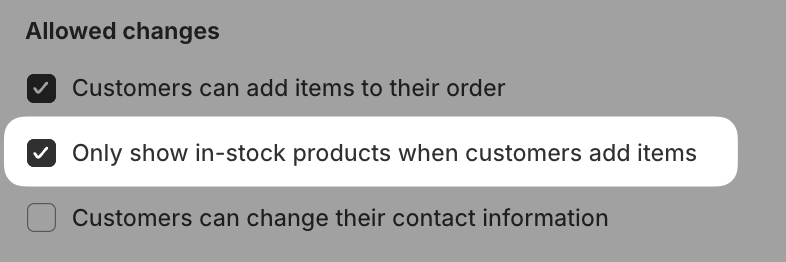
In Cleverific, you can limit product searches in Customer Portal to in-stock items only. When this setting is on, products with zero inventory don't appear in search results, so customers can only add items that are available.
Enable in-stock product search
Go to Apps > Cleverific.
From the nav menu, click Customer Portal.
Under Allowed changes, enable Only show in-stock products when customers add items.
Click Save in the top bar.
Known limitations
This setting works best for products with a single variant. For multi-variant products, inventory is calculated as the total across all variants. A product may be hidden even if some variants are in stock, if another variant's negative inventory brings the total to zero or below.
Shopify's "Continue selling when out of stock" option doesn't affect this filter. A product with zero inventory won't appear in search results regardless of that setting.