Allowing customers to pick several products on a Grid or Carousel offer page
Updated 2 weeks ago
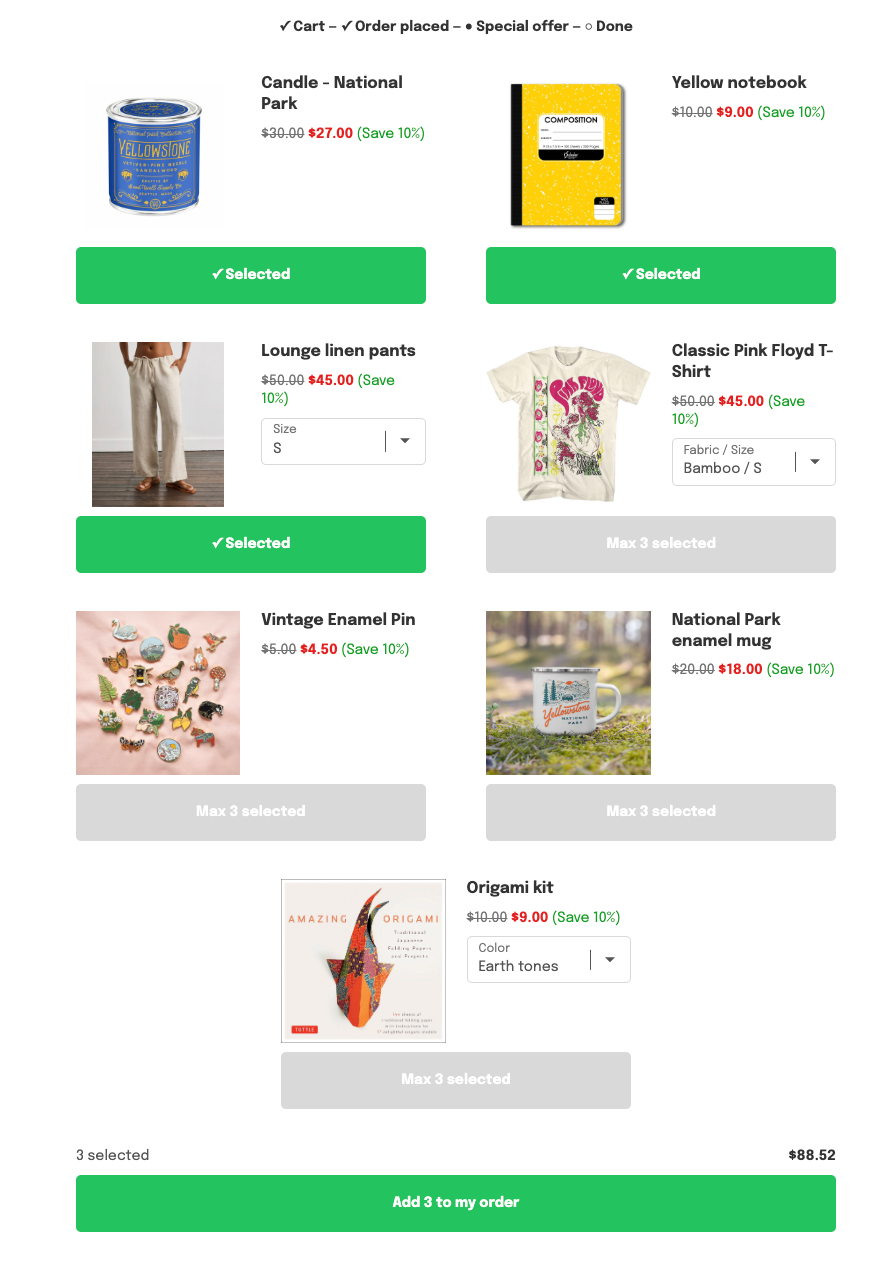
In Cleverific, you can allow customers to select several products on a Grid or Carousel offer page and add them all to their order in one tap, with a single charge. Customers take one product per page by default.
This article explains how to enable it and how to build the grid from products you pick instead of a collection.
Allow several products per page
Go to Apps > Cleverific.
From the nav menu, click Upsells.
Open a Grid or Carousel funnel, then click Design. For an overview of the funnel editor, see Building and previewing an upsell funnel.
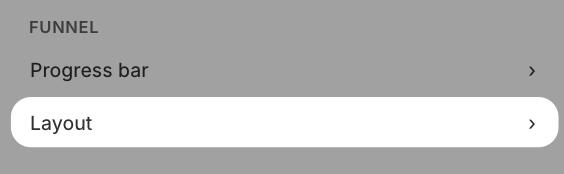
In the left panel, under Funnel, click Layout.
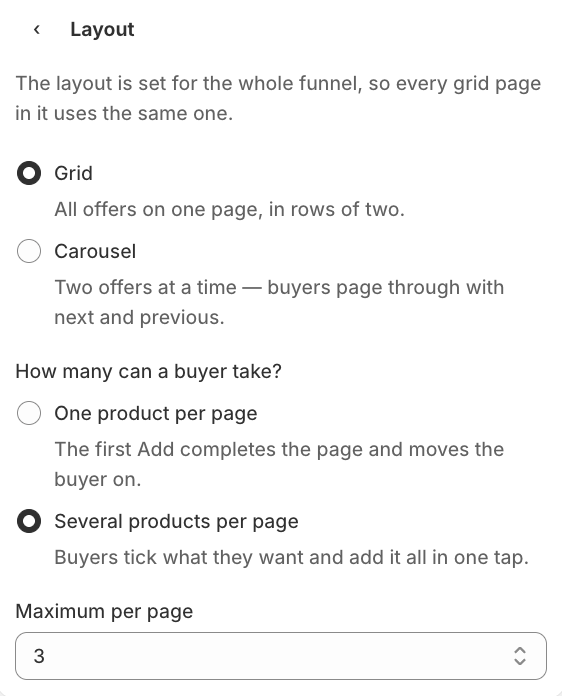
Under How many can a buyer take?, select Several products per page and choose a Maximum per page from 2 to 6
Click Change layout to confirm.
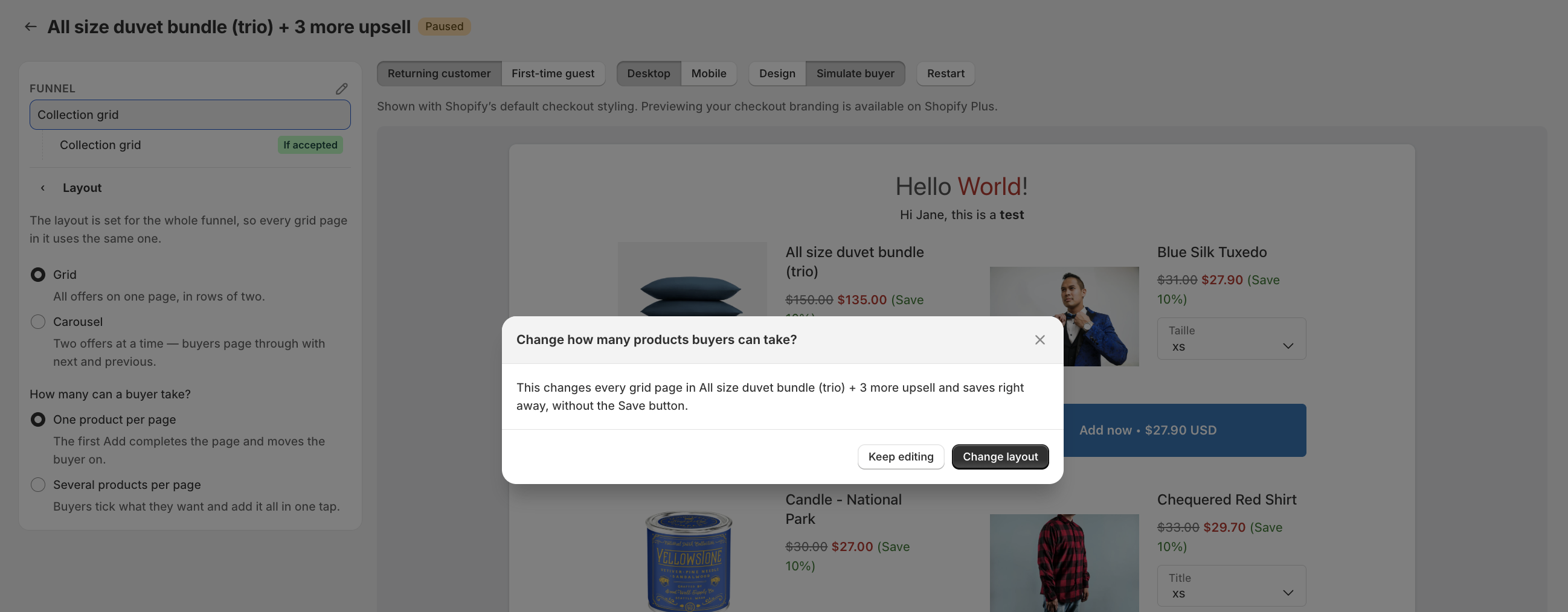
The setting saves right away, without the Save button, and applies to live funnels right away. Select One product per page to go back to the default, where the first Add completes the page and moves the customer on.
Show products you pick instead of a collection
Pick the products yourself when you want a fixed set of cards instead of everything in a collection.
Open the Grid funnel, then click Design.
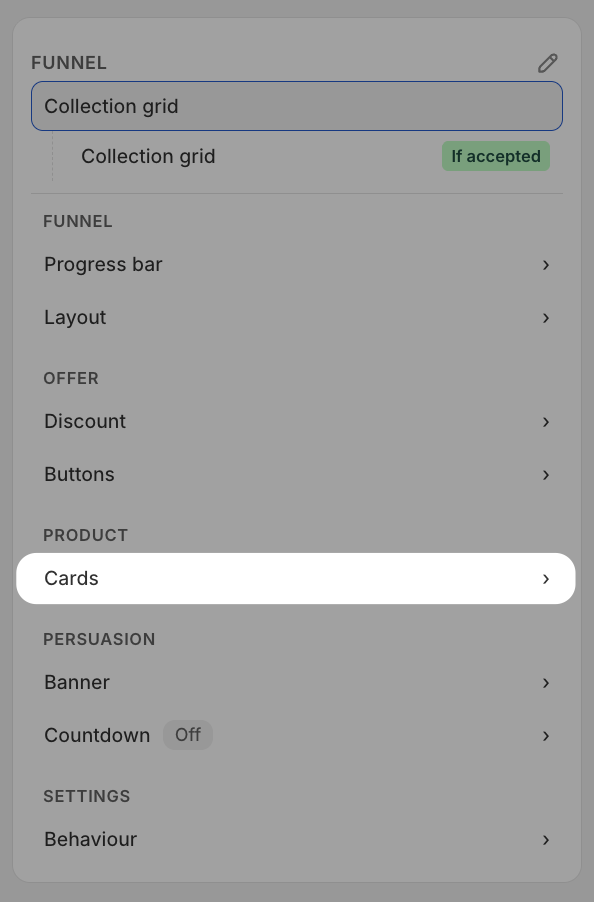
In the left panel, under Product, click Cards. In Cards come from, select Products you pick.
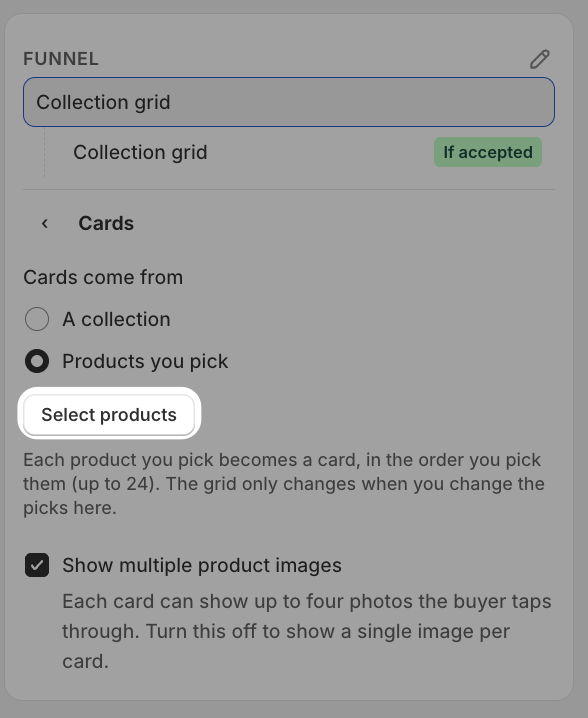
Click Select products and choose up to 24 products.
Click Save in the top bar.
Each product becomes a card in the order you picked them. The grid only changes when you change the picks, unlike a collection, which updates as products are added to or removed from it.
You can switch back to a collection anytime.
Customers are charged once for everything they add, and each product shows as its own row under Converted orders on the funnel page, with Offer accepted filled in. If a selected product sells out before the customer adds it, it's removed from the selection, and the rest can still be added.
What your customers see
Each card has an Add button that works as a toggle, and selecting or unselecting costs nothing. The footer shows how many products are selected and the total. Once the maximum is reached, the other cards are disabled until the customer unselects one. Tapping the footer button adds the whole selection to the order. On a Carousel, selections are kept as the customer moves between pages.
If the funnel has a countdown timer set to end the offer, the selection is discarded when it reaches 0:00 and nothing is added.