

Changing settings in Customer Portal
Updated 2 months ago
Customer Portal includes custom logic that you can adjust to fit your business needs. This article will show you the available settings and how to access them.
Access Customer Portal’s Settings
Your changes are saved automatically.
Steps
Go to Apps and select Cleverific Order Editor.
In the nav menu, click Customer Portal.
You'll arrive on the Customer Portal setting page.
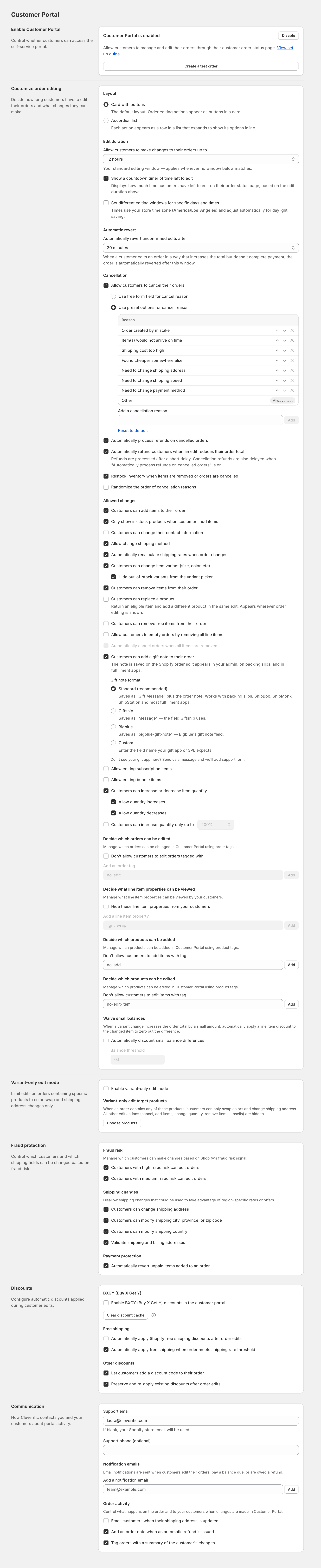
If you're looking for a specific setting, use CTRL+F or Command+F to perform a page search.
Was this helpful?
Was this helpful?