

Paying an outstanding amount in Customer Portal
Updated last month
In Cleverific, customers will be prompted to pay their outstanding balance right away when an edit in Customer Portal raises their order total. By default, a Pay now button will show whenever an edit leaves a balance due.
What your customers see
When an edit leaves a balance due, the confirmation screen shows Payment of [amount] is needed and a Pay now button.
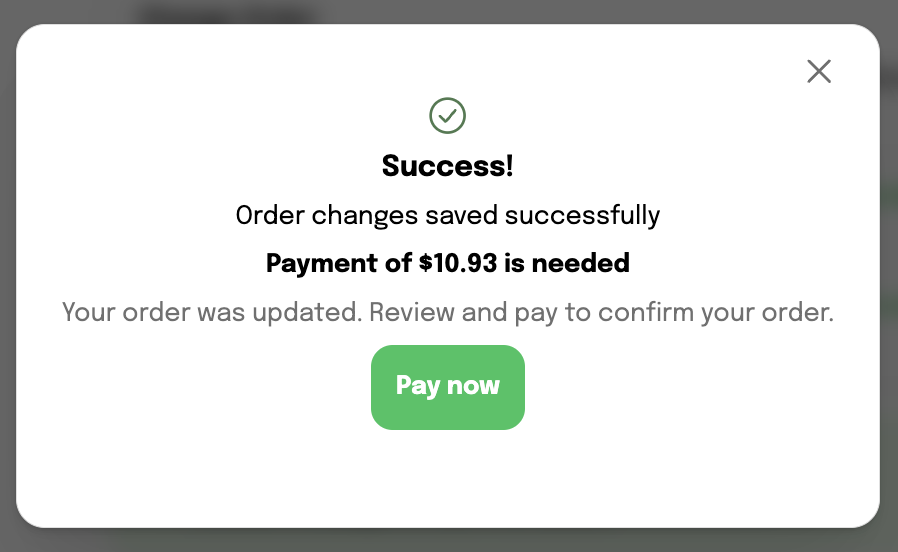
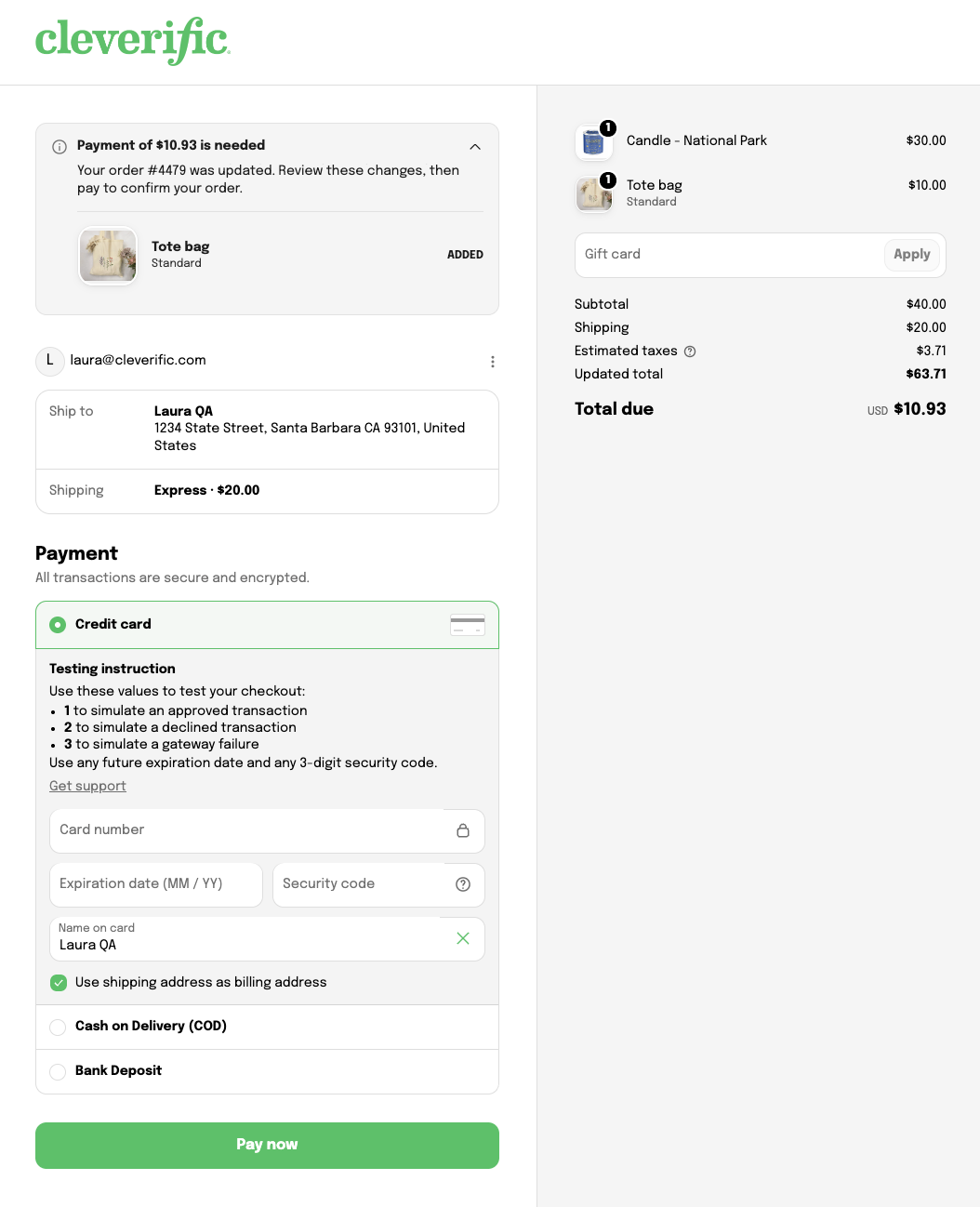
Clicking Pay now opens your store's checkout page for that order, where the customer can pay for the outstanding balance.
If an edit doesn't change the total or lowers it, customers will see a message to reload the page instead. The same happens when an order is cancelled.
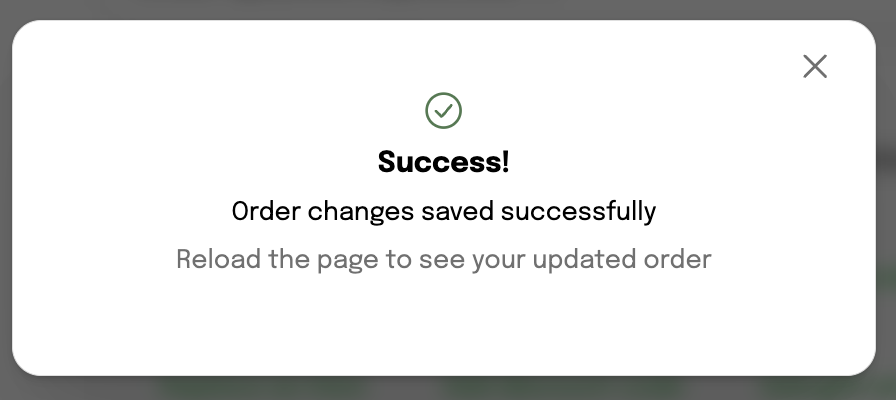
Due to a Shopify's limitation, the order page doesn't update by itself after an edit. Customers need to reload the page to see their updated order.
Your customers will also receive an email notification with a checkout link to pay the amount due on their order.