

Choosing the Customer Portal edit block layout
Updated 2 months ago
In Cleverific, you can choose how the order-editing options appear to customers on the order status page: as a card with buttons, or as an accordion list.
Change the layout
Go to Apps > Cleverific.
From the nav menu, click Customer Portal.
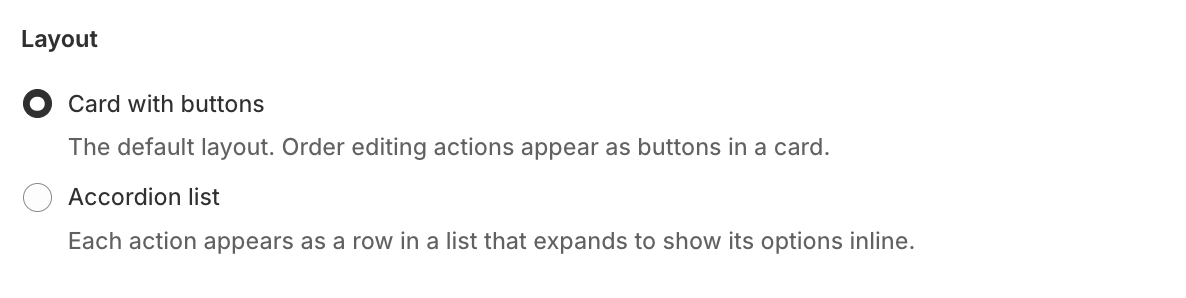
Under Layout, choose Card with buttons or Accordion list.
Click Save in the top bar.
Layout options
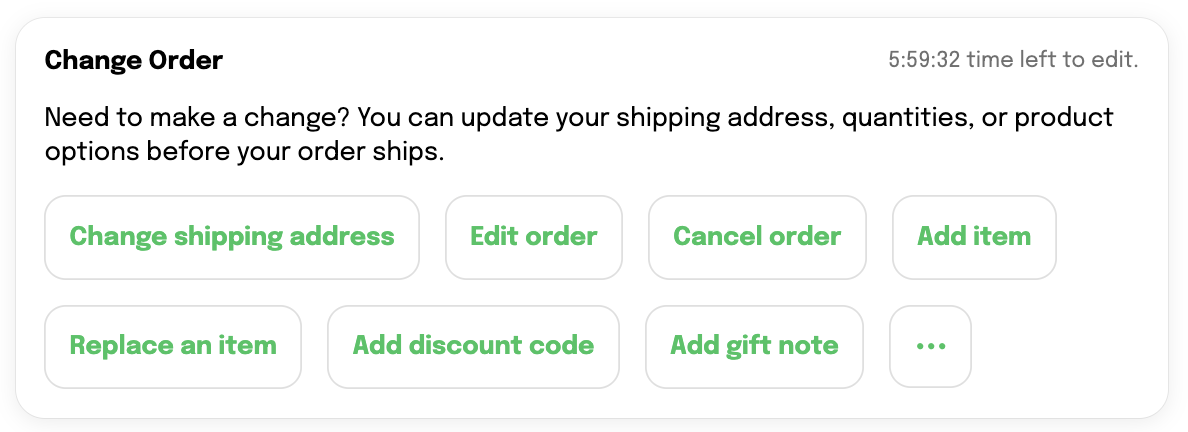
Card with buttons (default): Order editing actions appear as buttons in a card.
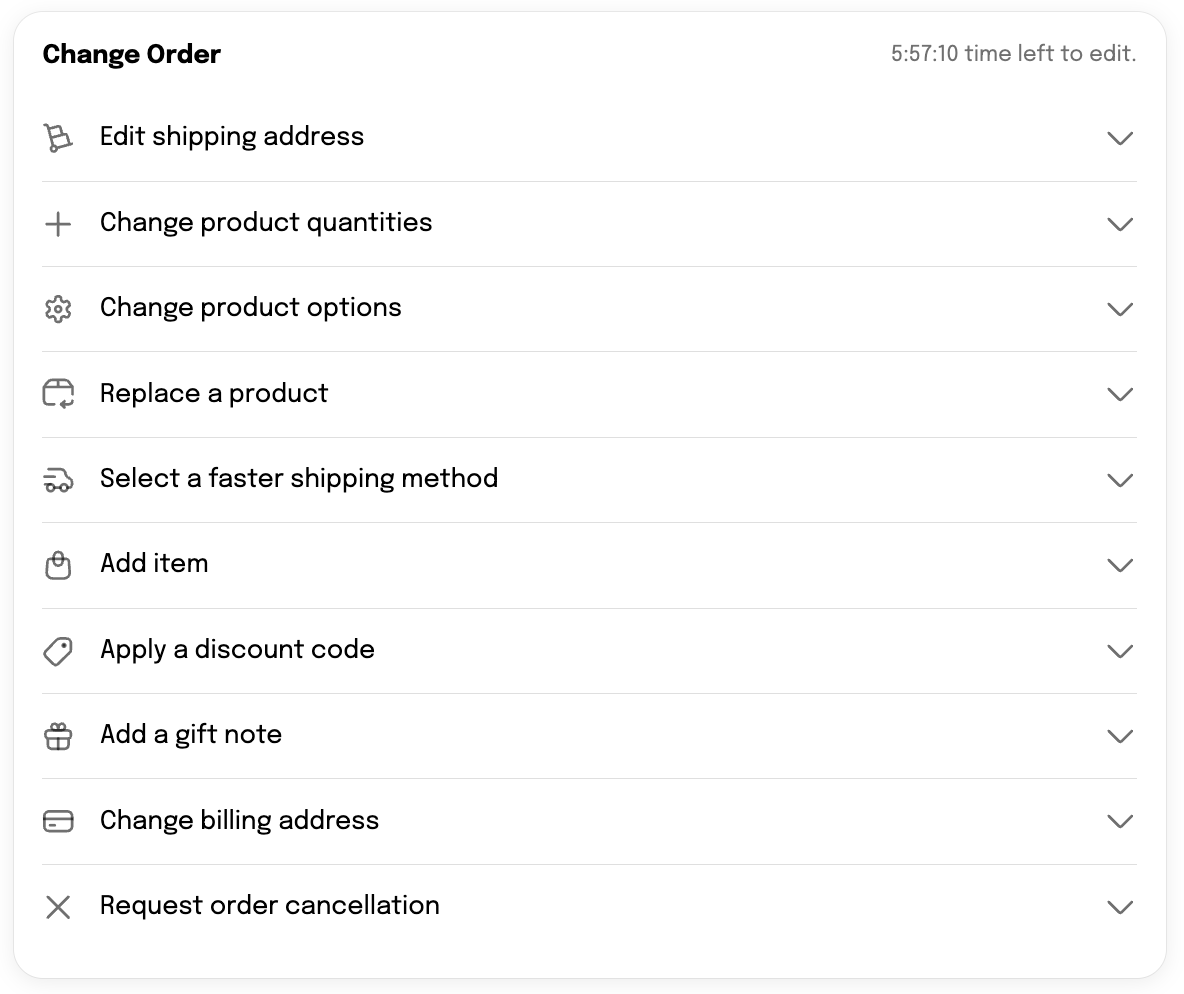
Accordion list: Each action appears as a row in a list that expands to show its options inline.
Both layouts adjust automatically for mobile and desktop.
Was this helpful?
Was this helpful?