Customizing the price breakdown on a post-purchase offer
Updated 5 days ago
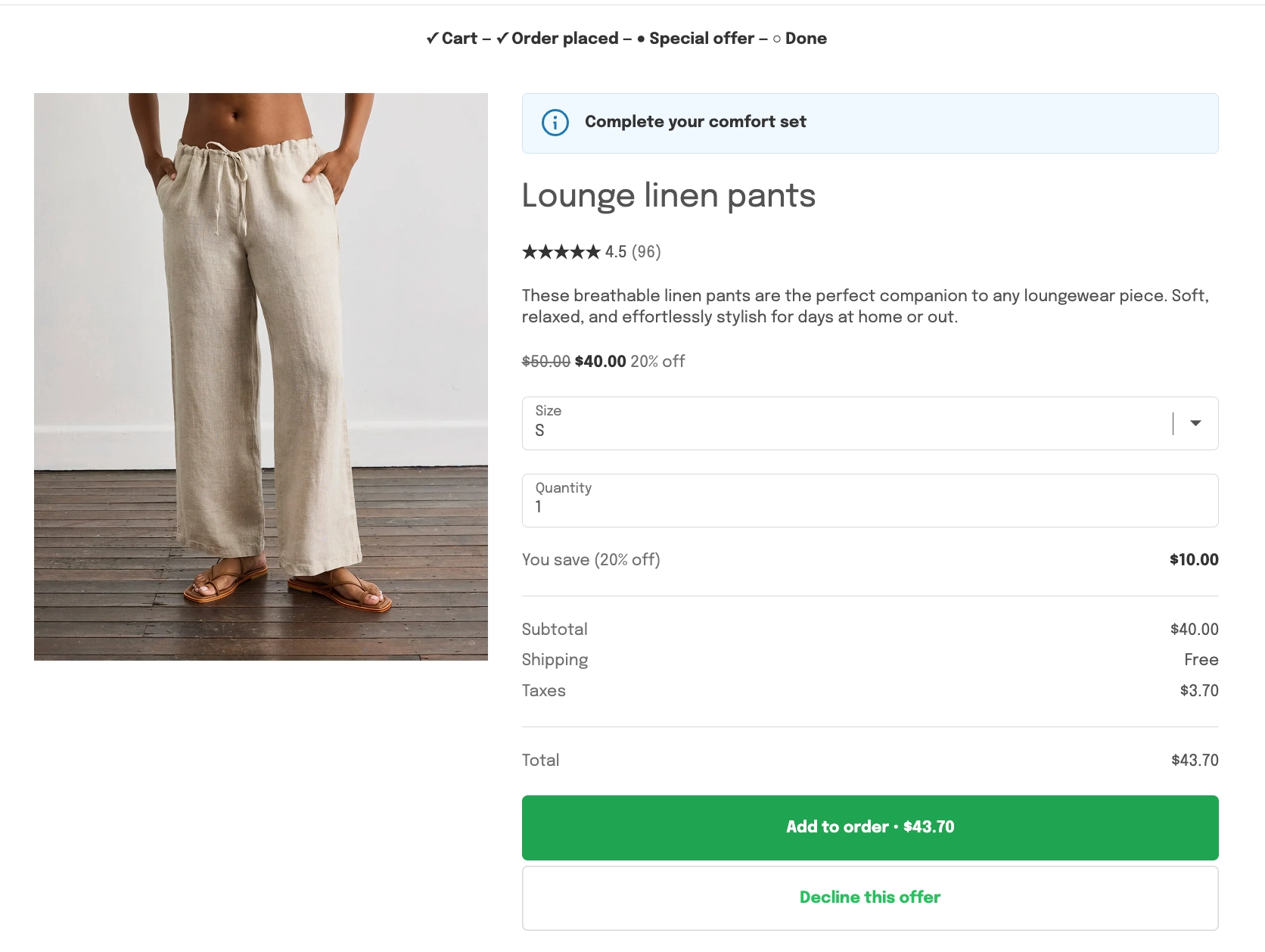
In Cleverific, you can choose which rows the price breakdown shows on a product offer and how its discount reads. The breakdown sits under the quantity field, above the Add button. By default, Subtotal, Shipping, and Taxes are all shown, with a "You save" line above the totals.
This article explains each setting and what customers see on the post-purchase page.
Change the price breakdown
Go to Apps > Cleverific.
From the nav menu, click Upsells.
Open the funnel, then click Design. For a tour of the editor, see Building and previewing an upsell funnel.
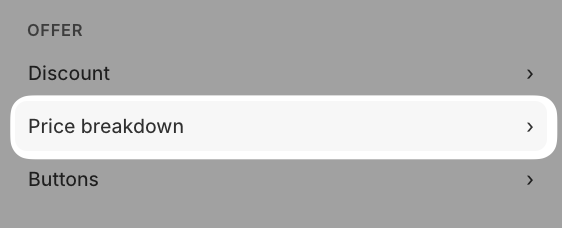
In the left panel, under Offer, click Price breakdown
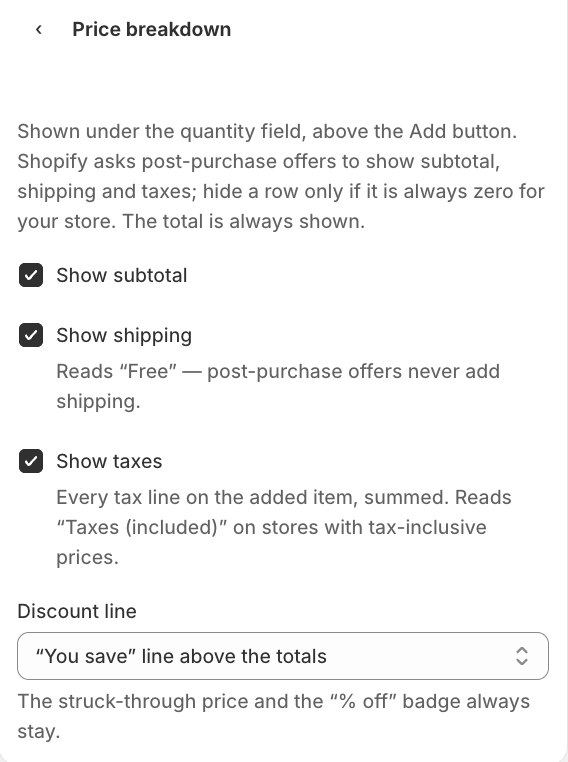
Check or uncheck Show subtotal, Show shipping, and Show taxes.
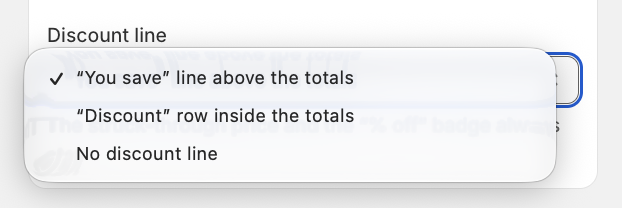
If the offer has a percentage discount, in the Discount line dropdown, you can select either "You save" line above the totals, "Discount" row inside the totals, or No discount line.
Click Save in the top bar.
The total is always shown, and hiding a row doesn't change that behavior. For example, with Show taxes unchecked, the total still includes tax. Shopify asks post-purchase offers to show subtotal, shipping, and taxes, so only hide a row that is always zero for your store.
How the settings work
Show Shipping will always read "Free", since post-purchase offers never add shipping to the order.
Show taxes shows the full tax on the added item, across every tax line. On stores with tax-inclusive prices, it reads "Taxes (included)".
Discount line is disabled until you set a discount on the offer. The struck-through price and the "% off" badge always show, whichever option you pick.
"Discount" row inside the totals shows the full price as the subtotal, then the discount as its own row. If Show subtotal is unchecked, the offer shows the "You save" line instead.
These settings apply to product offers only. Grid and Carousel funnels, which show a collection, don't have a price breakdown.
What your customers see
With the default settings and a 20% discount, the offer shows a "You save (20% off)" line, then Subtotal, Shipping (Free), and Taxes, then the Total. The amount on the Add button matches the Total.