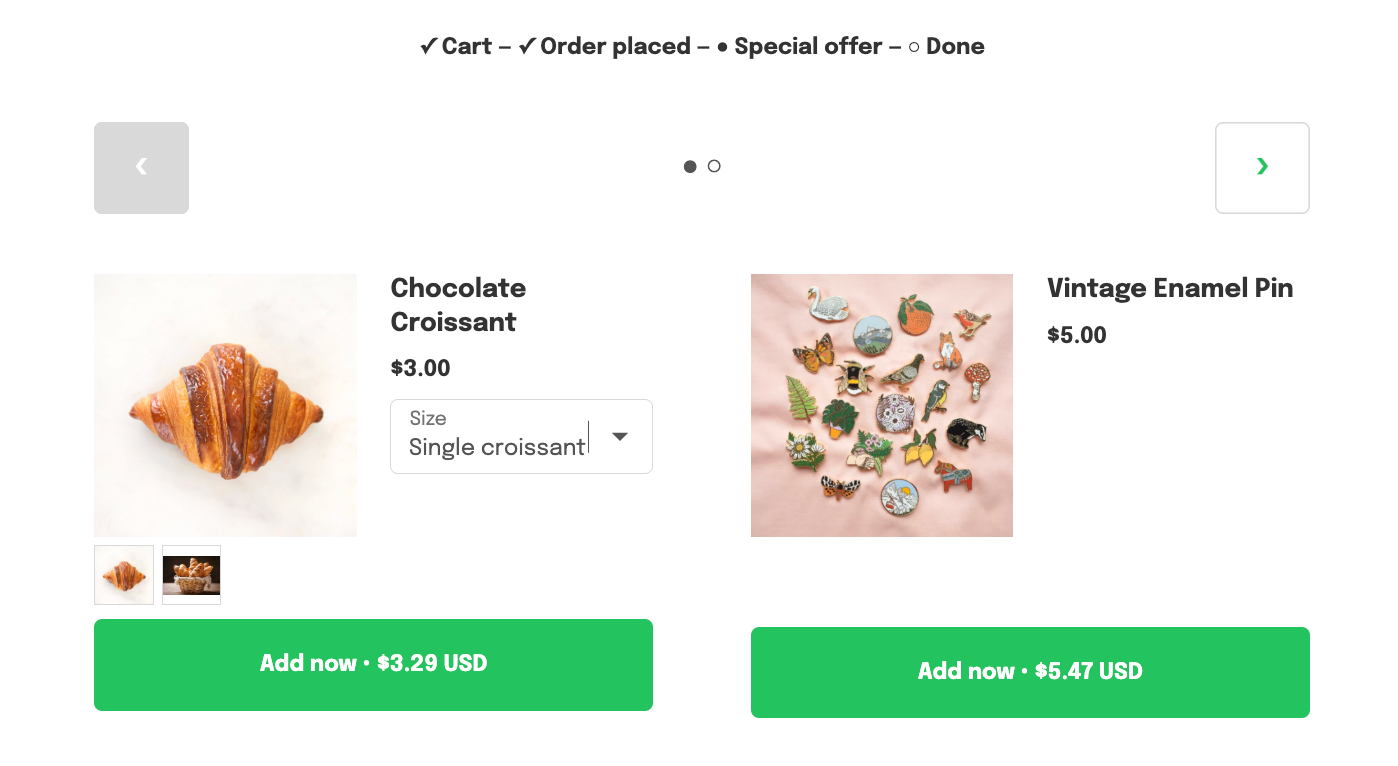
Showing multiple product images on a post-purchase offer
Updated last week
In Cleverific, you can show a row of up to four product photos on a post-purchase offer, so customers can browse the product before adding it to their order. This setting is enabled by default, and offers created before it existed also have it enabled.
This article explains what the row shows and how to turn it off.
What customers see
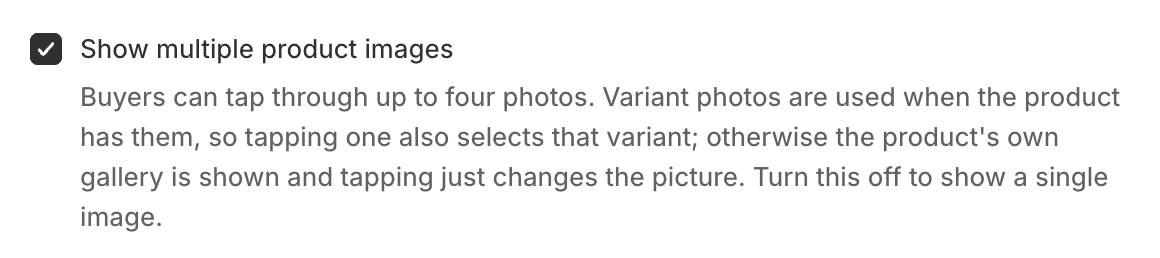
The row appears under the main image and shows up to four thumbnails.
If at least two variants have their own photo, the row shows those photos. Tapping one selects that variant, and the price and Add button follow.
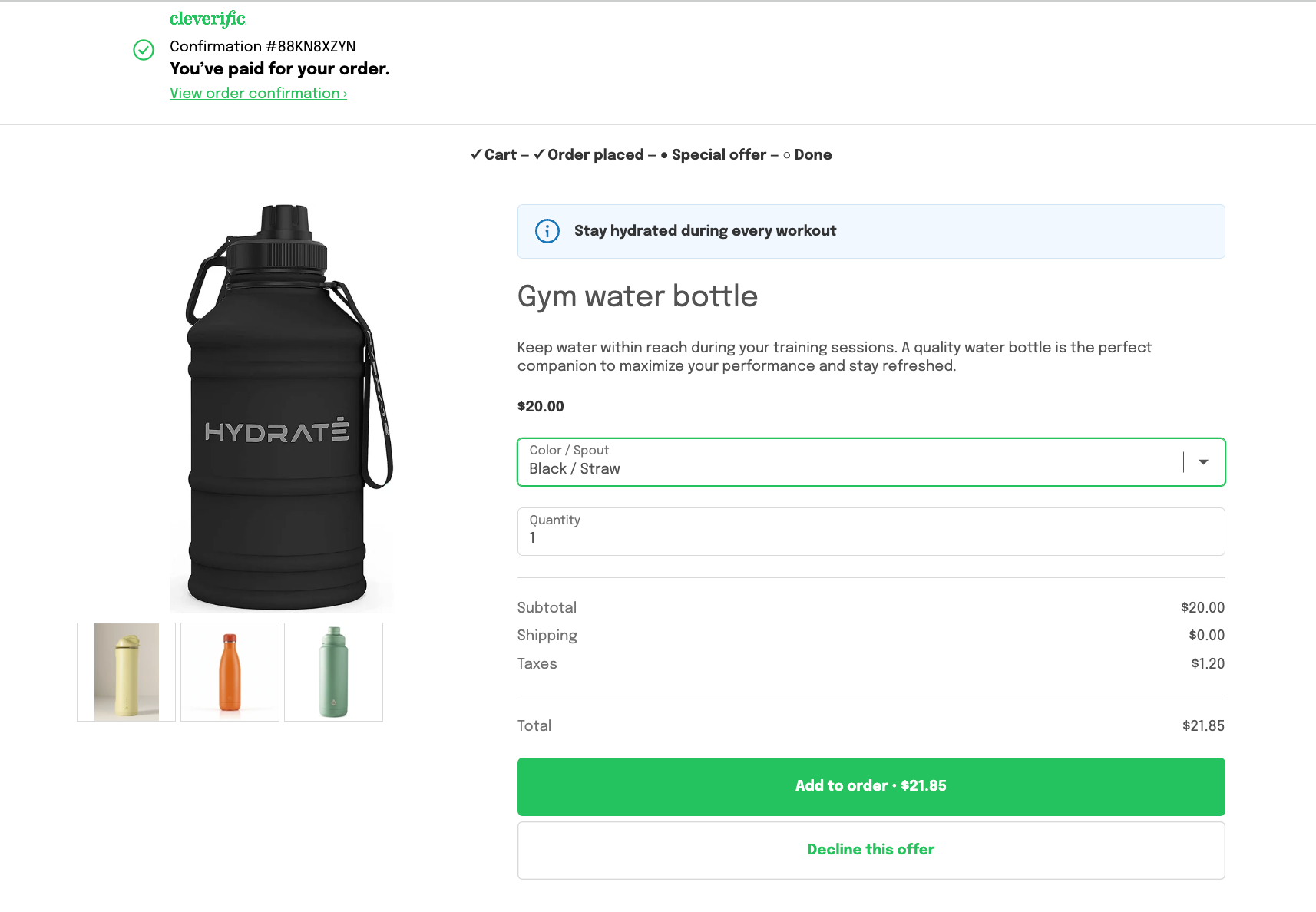
Otherwise the row shows the product's photo gallery. Tapping one only changes the main image.
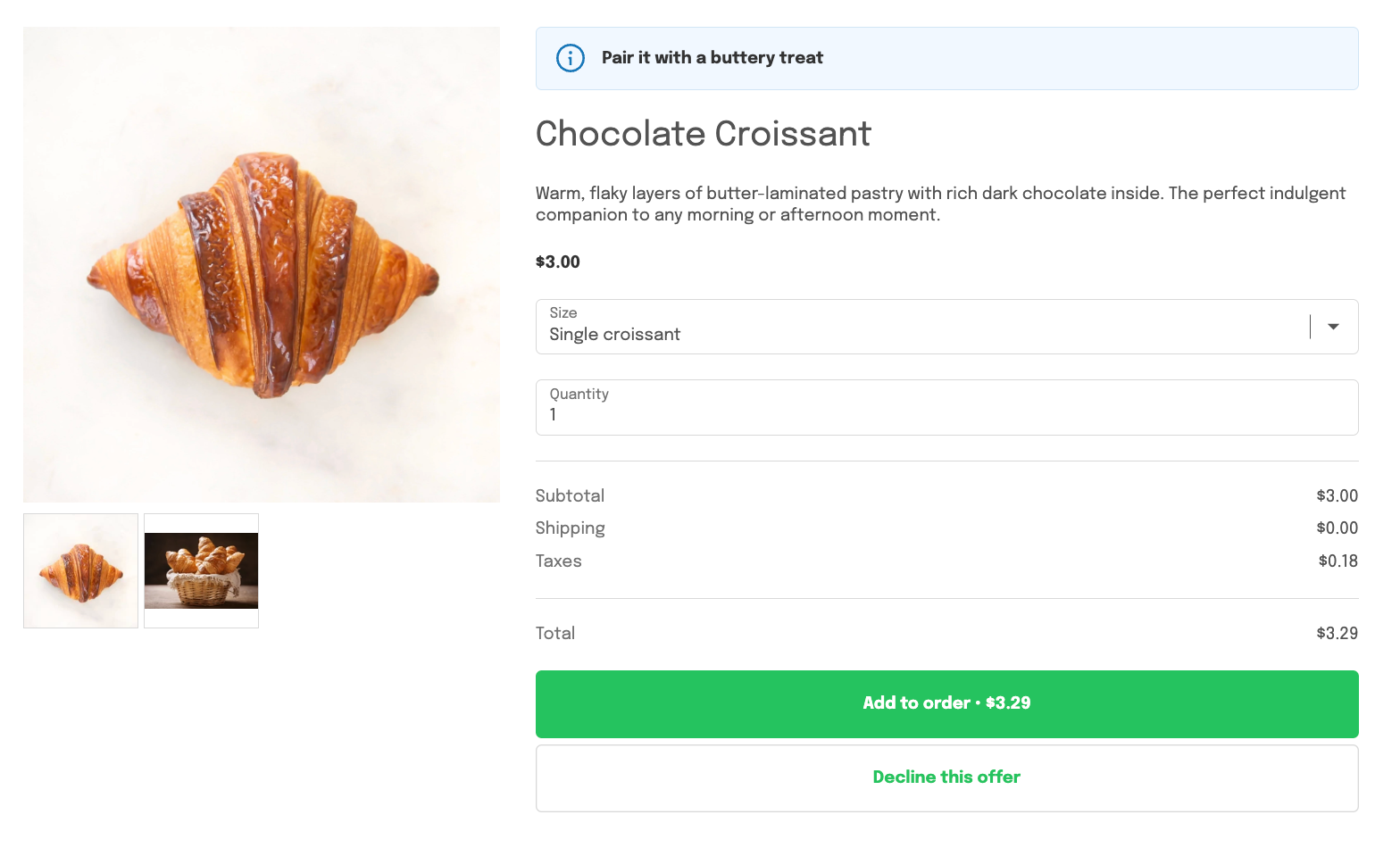
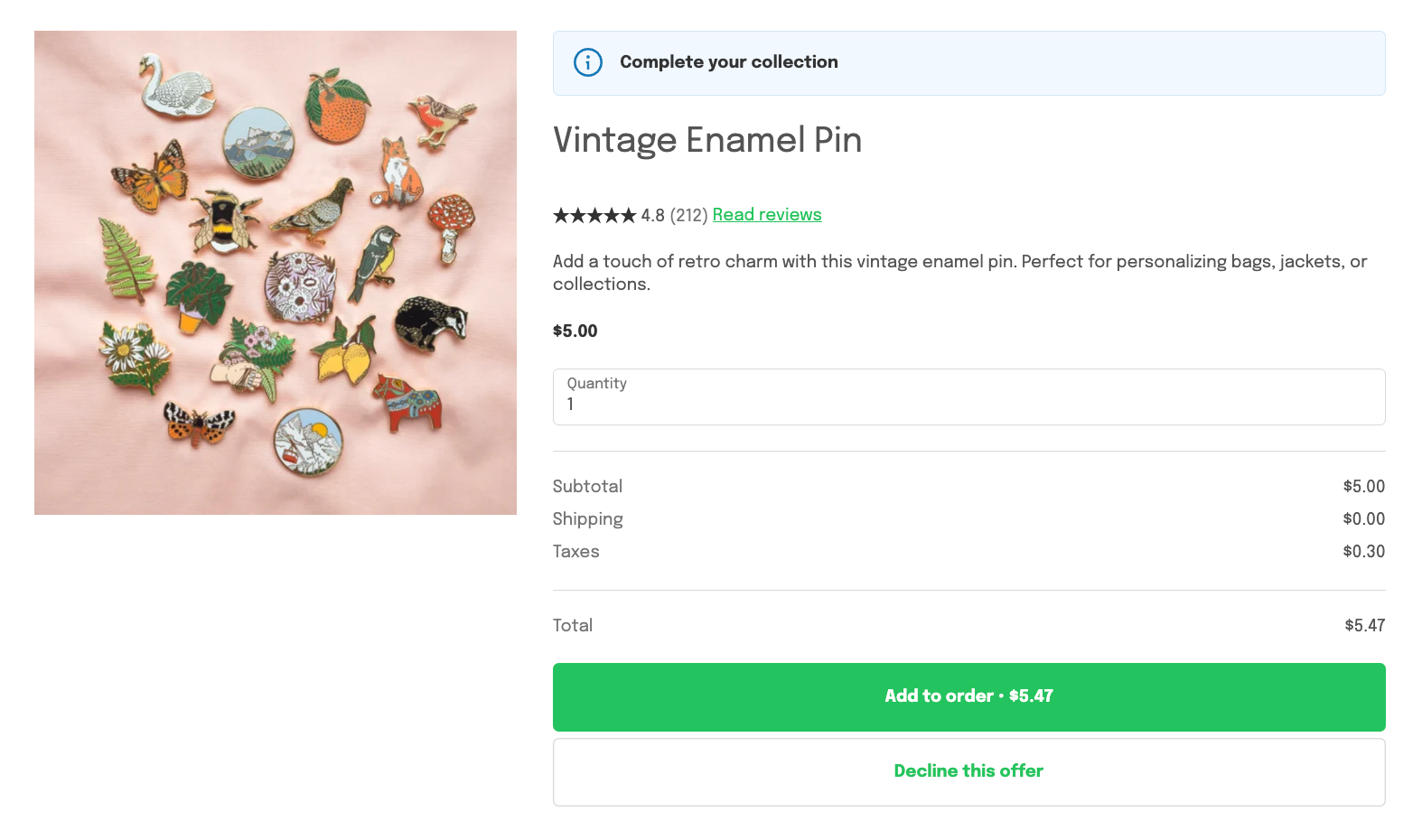
With fewer than two photos, or when the offer is a single variant, there is no row.
An offer saved before this release shows the gallery row once you pick its product again in Design.
Turn multiple images on or off
Go to Apps > Cleverific.
From the nav menu, click Upsells.
Open the funnel, then click Design. For an overview of the funnel editor, see Building and previewing an upsell funnel.
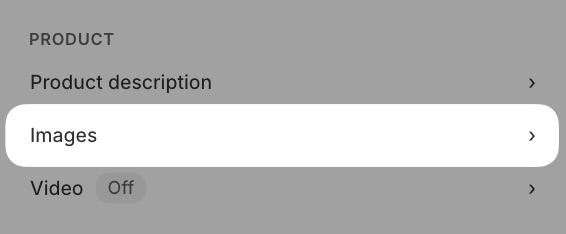
In the left panel, under Product, click Images.
Check or uncheck Show multiple product images.
Click Save in the top bar.
Unchecking it shows a single image. The change applies to live funnels as well.
Grid and Carousel funnels
The same Show multiple product images checkbox is in the Cards section of Grid and Carousel funnels, under Product in Design. Unchecking it removes the thumbnail rows from every card in that funnel.