Styling and formatting the banner on a post-purchase offer
Updated 2 weeks ago
In Cleverific, you can choose the banner style on a post-purchase offer and format its text with bold, strikethrough, color, and the customer's first name. Existing offers keep their blue Info banner until you change them.
This article explains how to style the banner and what customers see.
Set up the banner
Go to Apps > Cleverific.
From the nav menu, click Upsells.
Open the funnel, then click Design. For an overview of the funnel editor, see Building and previewing an upsell funnel.
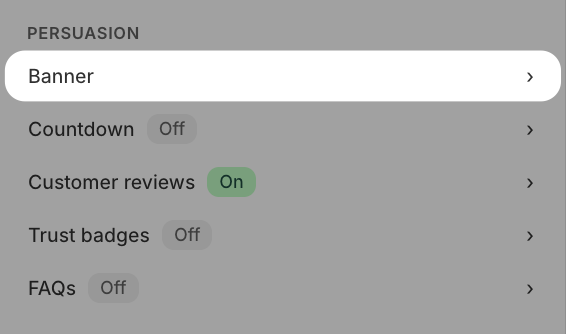
In the left panel, under Persuasion, click Banner.
In Banner text, enter the headline shown above the product. Click Regenerate copy instead to have Cleverific draft a new copy.

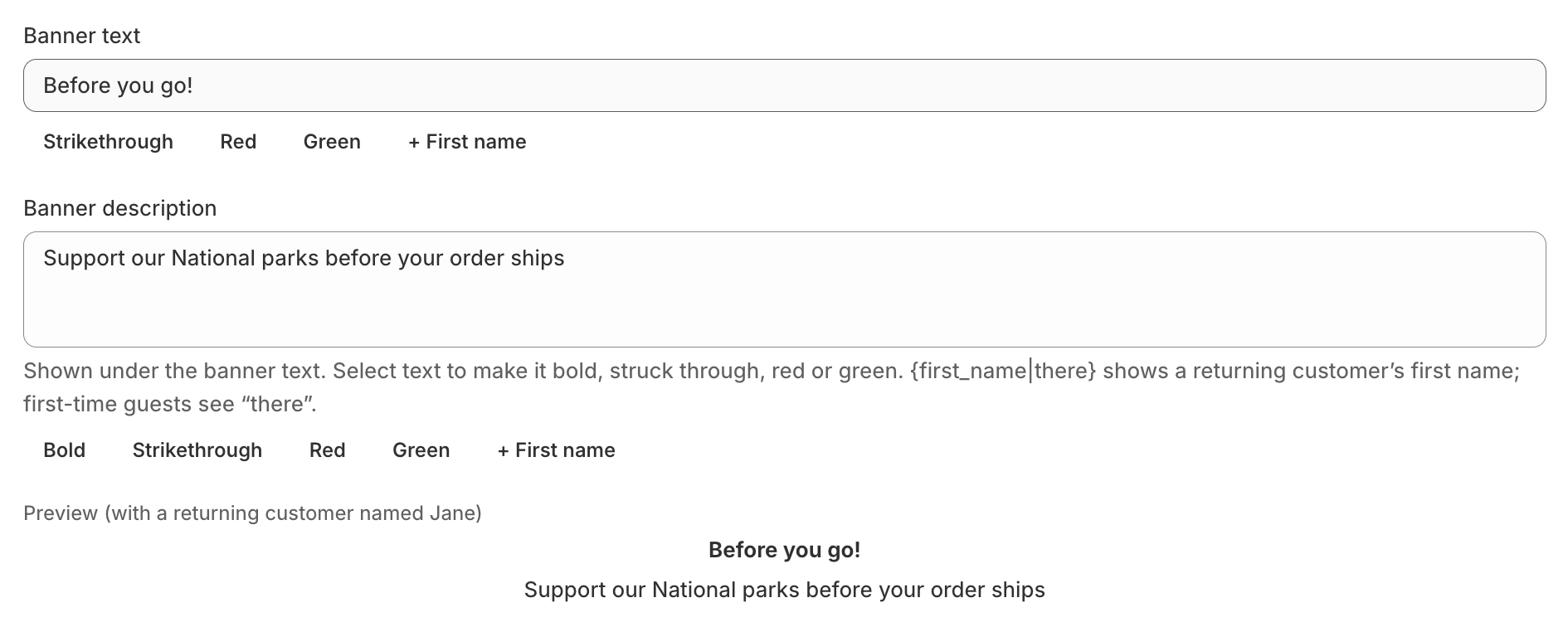
You can select part of the banner text and click Strikethrough, Red, or Green. Click + First name to insert the customer's first name.

In Banner description, enter the line you want to display under the banner text.
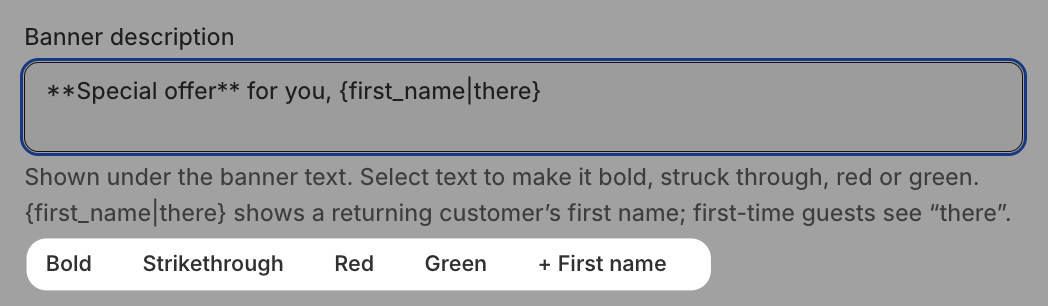
You can select part of the description and click Bold, Strikethrough, Red, or Green. Click + First name to insert the customer's first name.
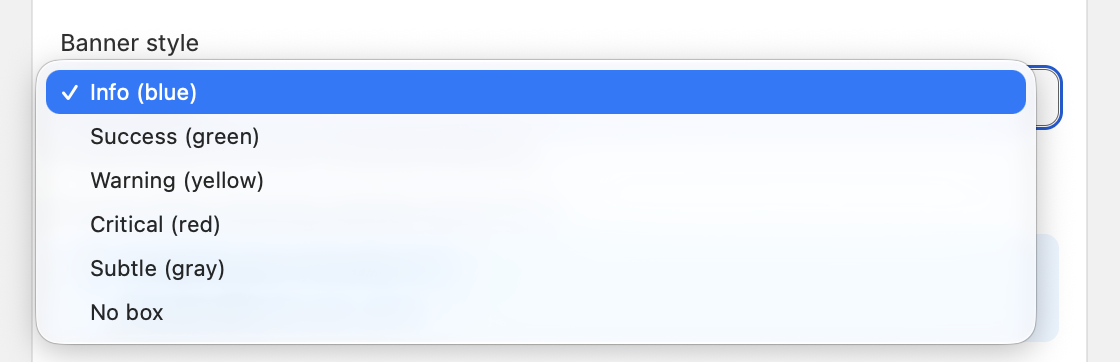
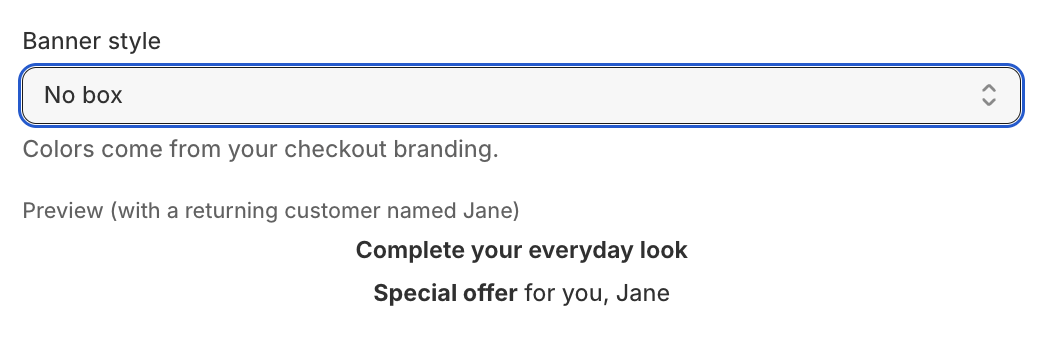
In the Banner style dropdown, select Info (blue), Success (green), Warning (yellow), Critical (red), Subtle (gray), or No box.
Check the preview below the fields, which shows your banner with a sample returning customer named Jane.
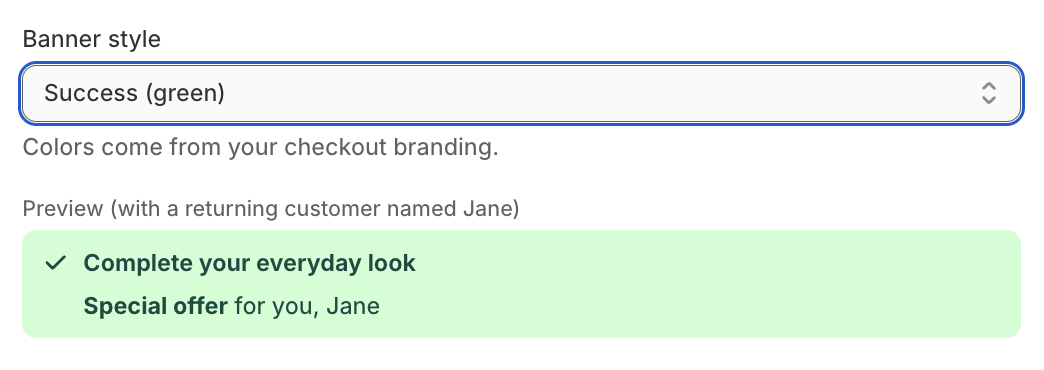
Click Save in the top bar.
Colors come from your checkout branding, so the preview in Cleverific is an approximation. No box shows the text centered with no container.
Format the banner text
Select some text and click a button to format it. The buttons add markers around your selection, and the preview shows the result without them.
Strikethrough, Red, and Green are available in both fields. Bold is available in the description only.
+ First name inserts the customer's first name. You can add a fallback word for guests, for example
{first_name|there}.Formats can be combined, for example, a bold green price next to a struck-through original price.

Customers who have ordered before see their first name. First-time guests see the fallback word, or nothing if you didn't add one.
Known limitations
Italic, underline, custom fonts, custom colors, and links aren't available in Shopify's post-purchase page.
Text that has a formatting marker without its partner, or a color other than red or green, is shown exactly as typed.
Grid and Carousel funnels get the same text formatting but no banner style, and their header never has a box.